






parametric
customizable
customize
stand
smartphone
phone
phonestand
mobile
customized
freecad
mobilephone

18

6
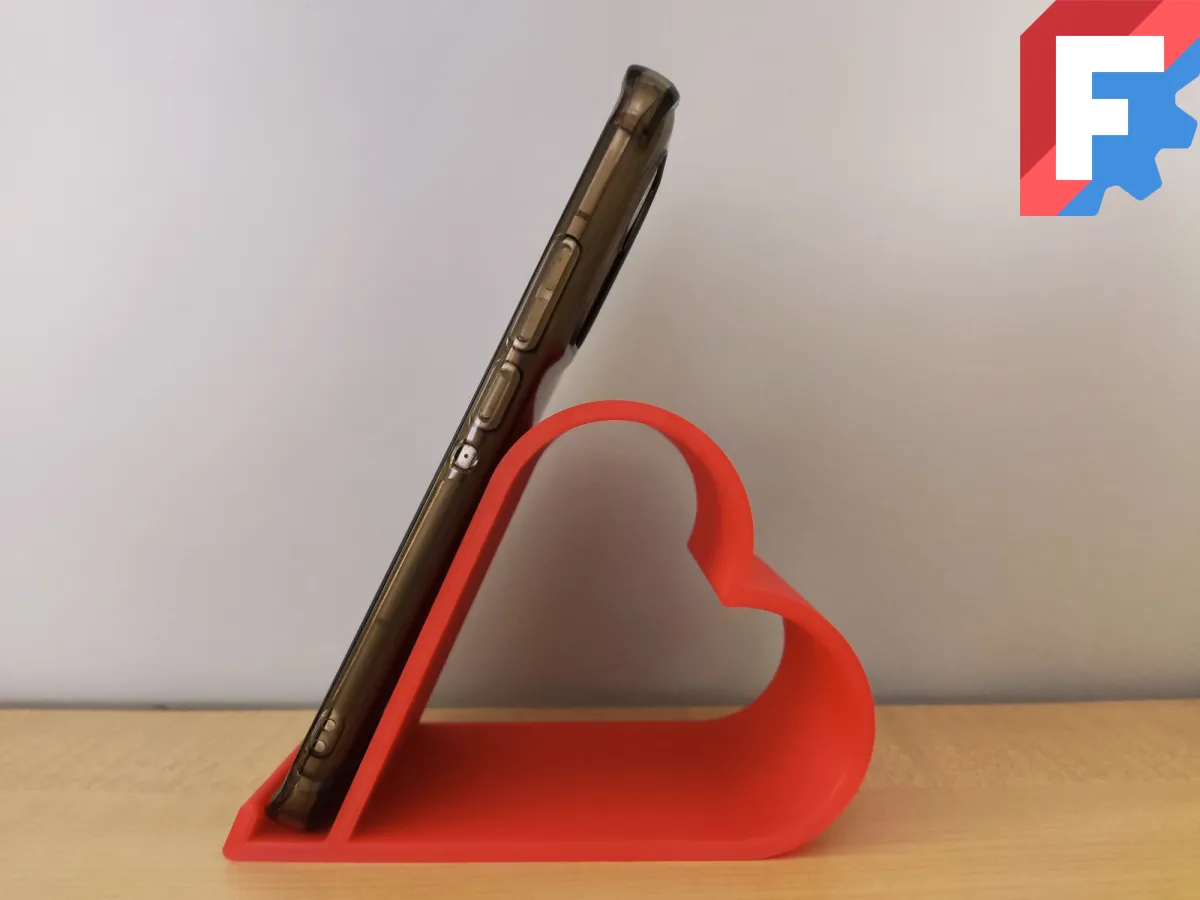
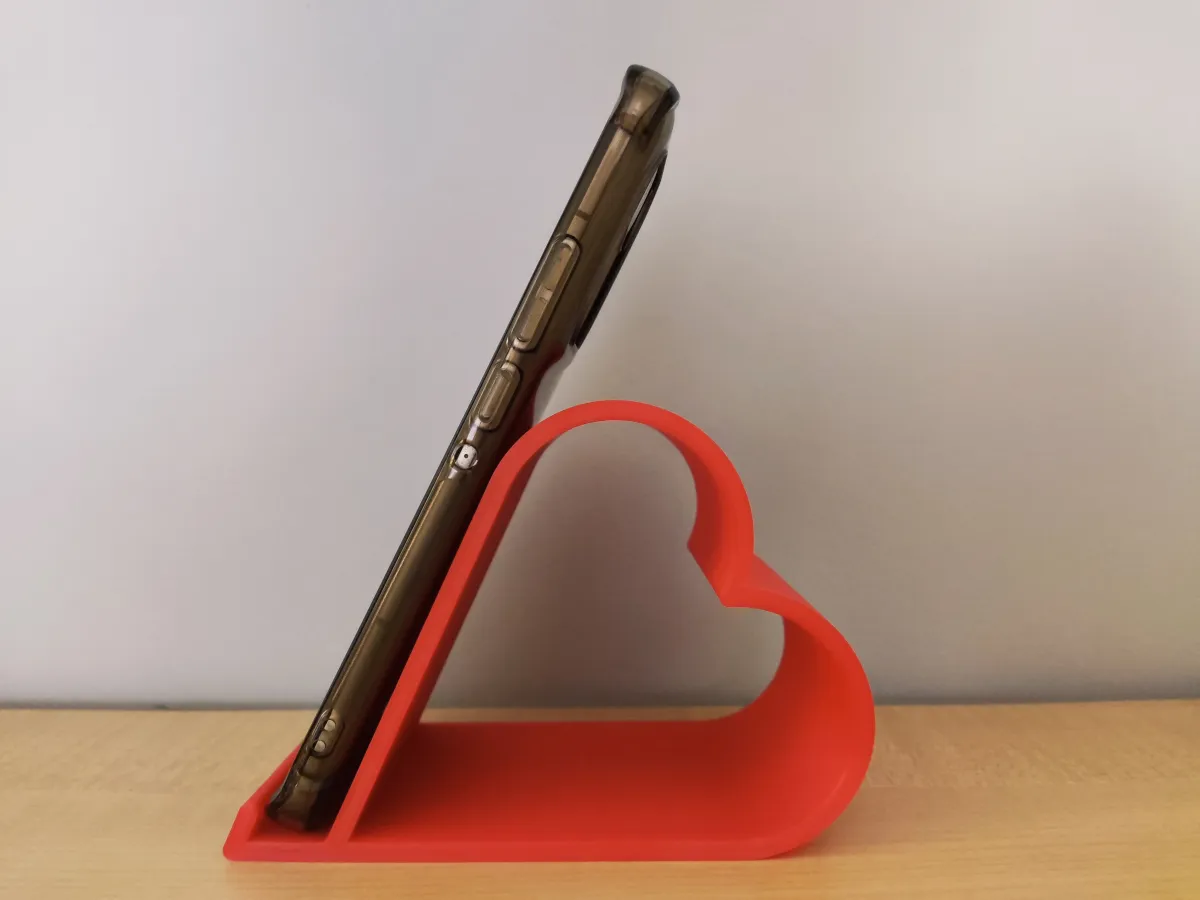
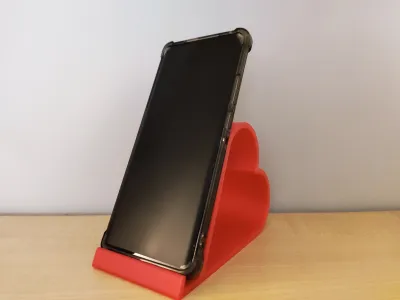
A simple, yet parametric phone stand.
How can i customize it?
You will need to download FreeCAD, a free to use CAD software. After downloading it, you will need to open the project file and click on one of the models on the left panel. Each model (both the Full and Cut version) contains its own parameter list (Varset). Change the values to your liking, then export it.
What are the parameters?
- Heart Circle Radius
- Heart Side Length
- Stand Width
- Wall Width
- Phone Gap
- Phone Guard Angle
- Phone Guard Length
- Phone Rest Angle
- Side Cut Percent (Optional)
Feel free to experiment with the parameters, but avoid setting incorrect values. I recommend changing the values in small amounts to avoid errors. A common error would be setting the Phone Rest Angle too high and the Heart Circle Radius too low (The sketch can't be solved if the circles don't intersect with the side lines).
You can also scale it in the slicer on the Z-Axis if you don't feel like tinkering with FreeCAD!
Happy Printing and Customizing!
Originality of the Model
The author declares that this work is their personally original model
This model is licensed under the following terms:
Credit must be given to the creator
Only noncommercial uses of the work are permitted
Remixes must be shared under the same license
Models(3)
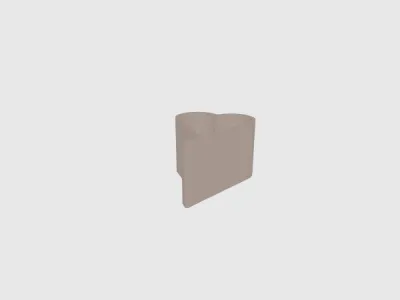 HeartPhoneStand-Full.stlDesigner
125.67 KB

2026-03-14
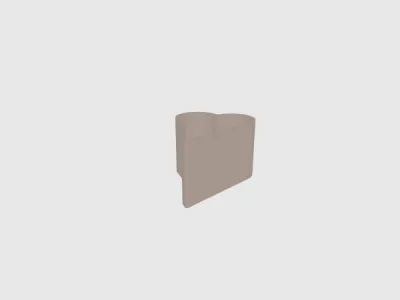 HeartPhoneStand-Cut.stlDesigner
145.20 KB
2026-03-14
 HeartPhoneStand.FCStdDesigner
49.68 KB
2026-03-14
View all(3)


