




Reorganize Your Home Life
monoprice
maker select
wanhao
duplicator i3


3

0
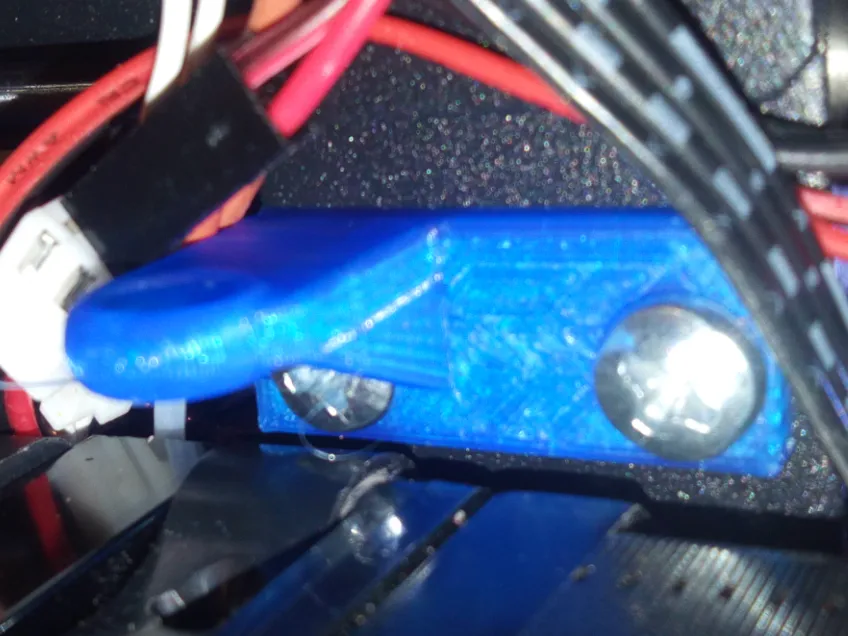
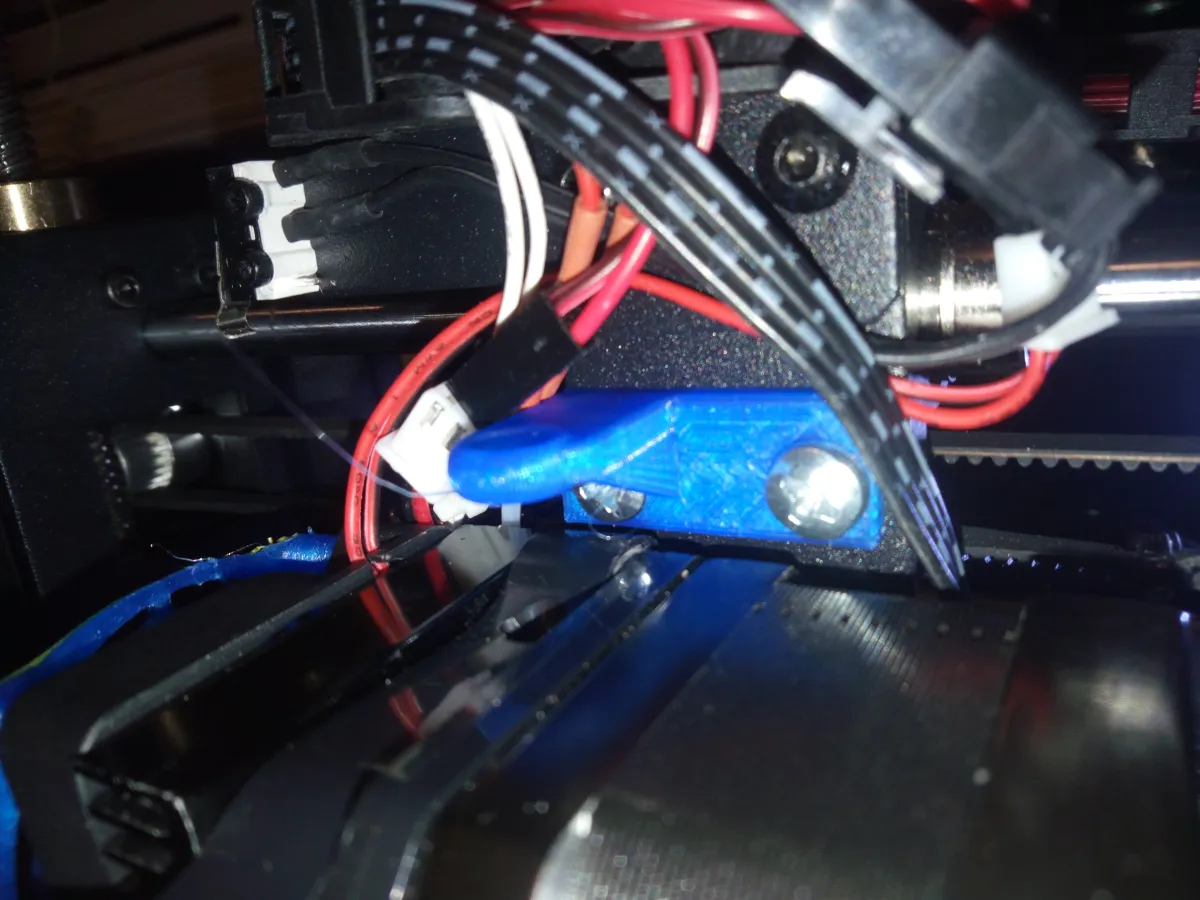
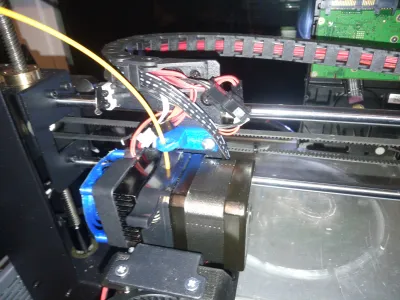
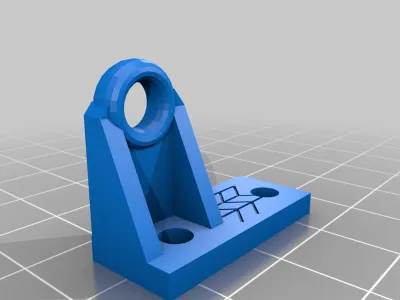
If you're worried that filament will wear out the release lever on your Maker Select v2 / Wanhao, you'll want this model. This model is guide/guard to prevent filament from rubbing against the side and wearing a groove in it over time.
Parts needed:
2 M4 x 12 screws
Installation:
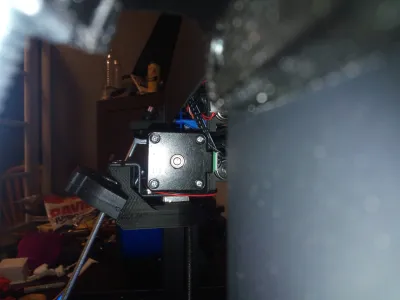
Rotate your extruder motor back so that there are no wires in the way. I believe this is optional, but cannot say for certain that the guard will fit if you do not do it.
Remove any filament from the extruder block. Remove the two bottom screws holding the extruder to the x axis bearings.
Screw the lever guard onto the block using the 2 M4x12 screws
Feed the filament through to ensure a good fit.
Carefully raise your z axis to the full 180mm to ensure the guard does not scrape (it shouldn't, but better to make sure now).
Originality of the Model
The author declares that this work is their personally original model
This model is licensed under the following terms:
Credit must be given to the creator
Only noncommercial uses of the work are permitted
Remixes must be shared under the same license
Models(1)
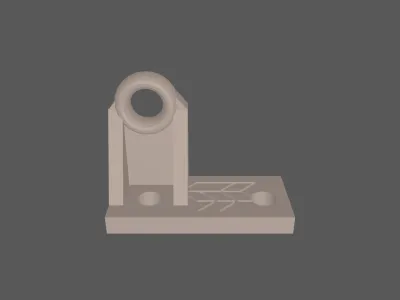 MSv2_Lever_Guard.stlDesigner
73.13 KB

2025-08-22


