




creality
crealityk1
crealityk1max
hepa
HEPA
hepafilter
filter
hepafan
fan
hepabox
box
active
carbon
carbonfilter
activecarbon
xiaomi
filters
filterholder

- 0.2mm layer, 3 walls, 25% infill

1-disc
ASA/PLA
Designer

41

3
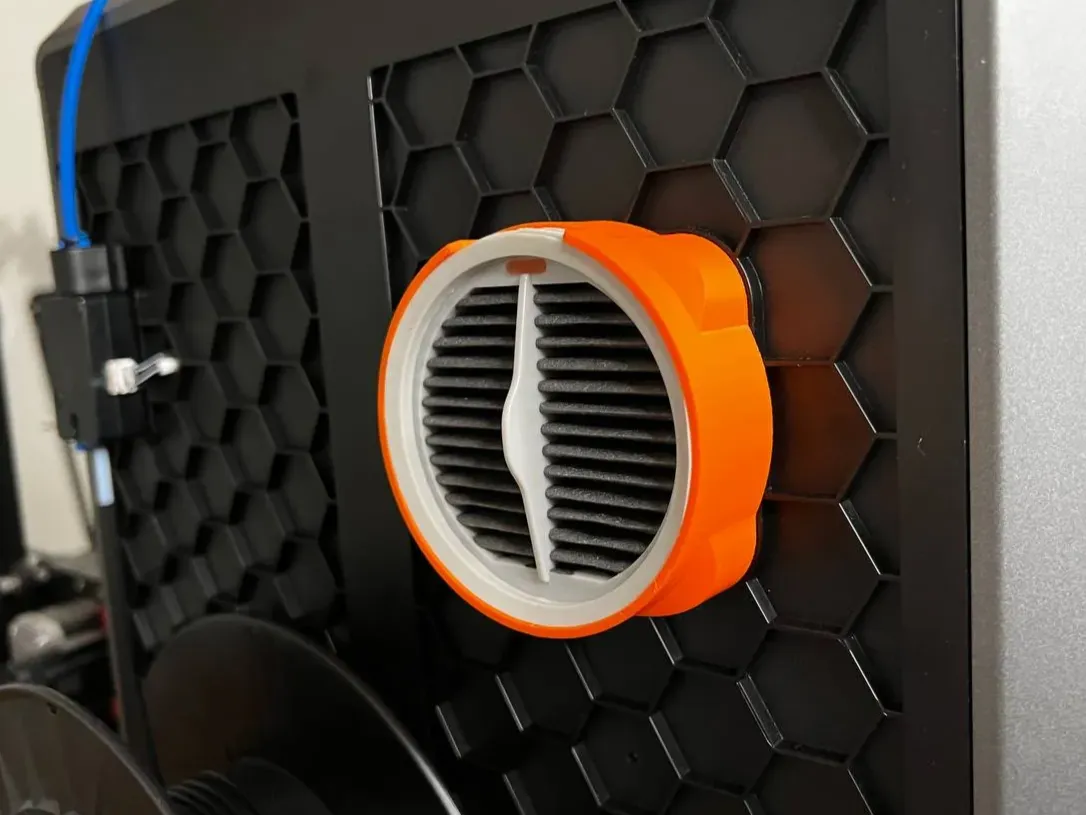
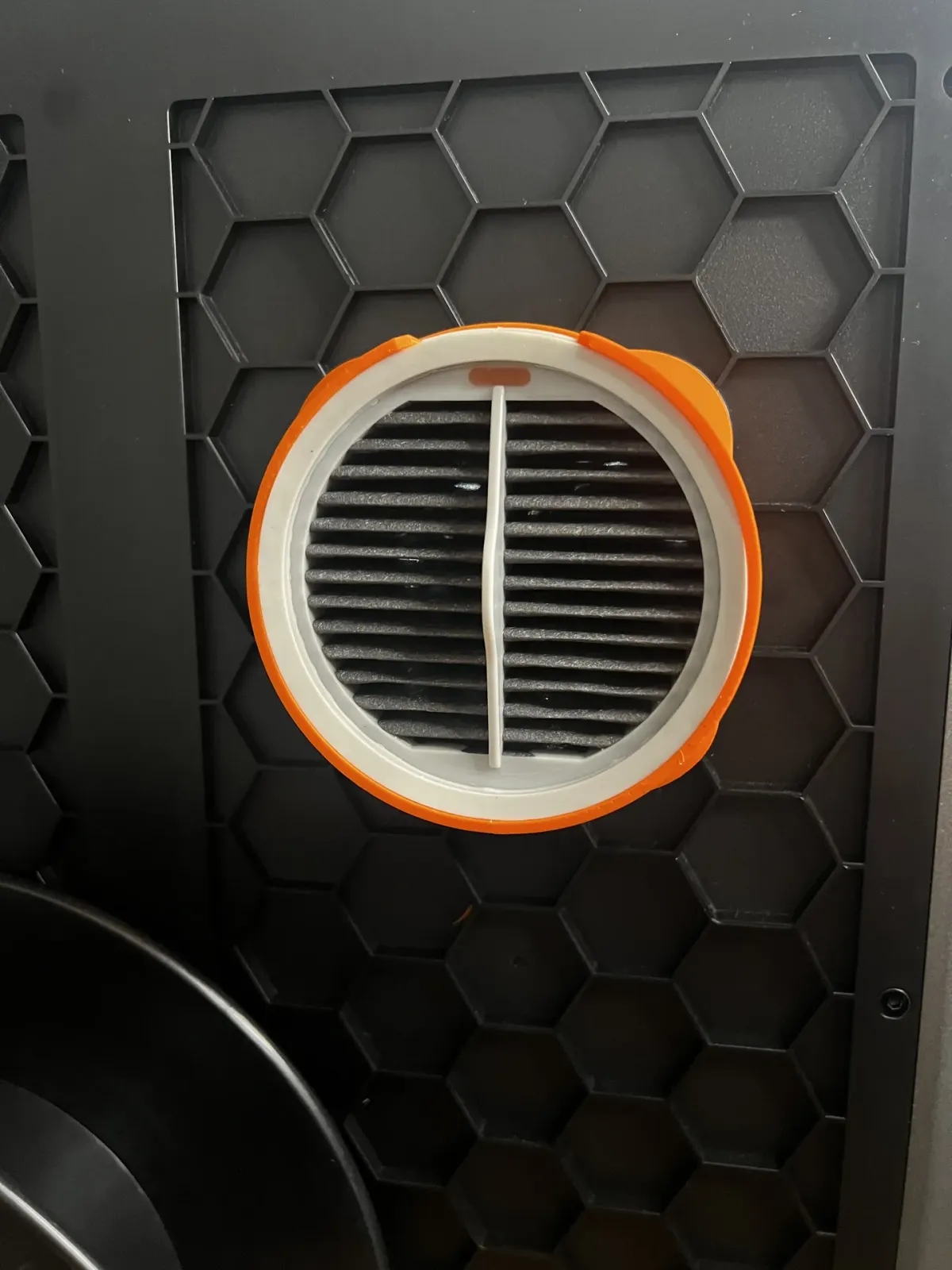
Creality K1 - Hepa filter housing
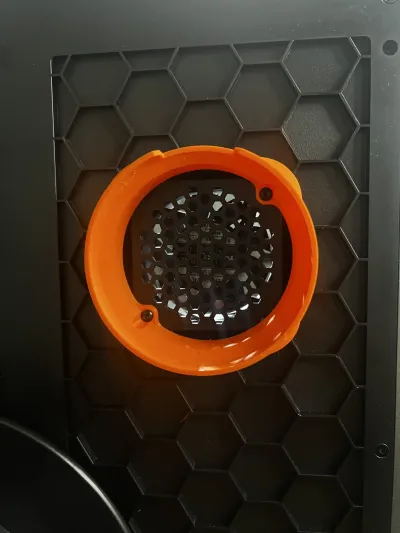
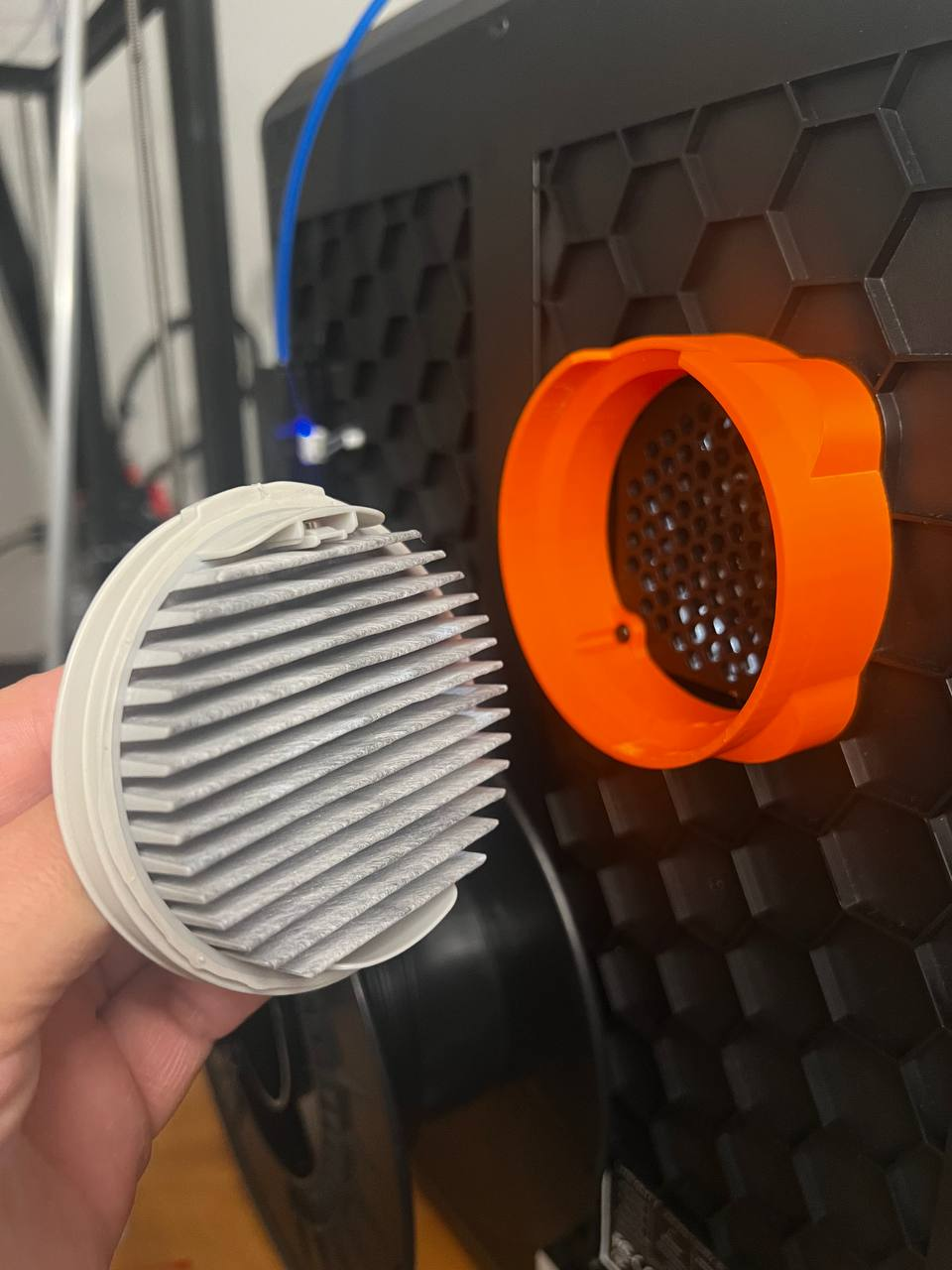
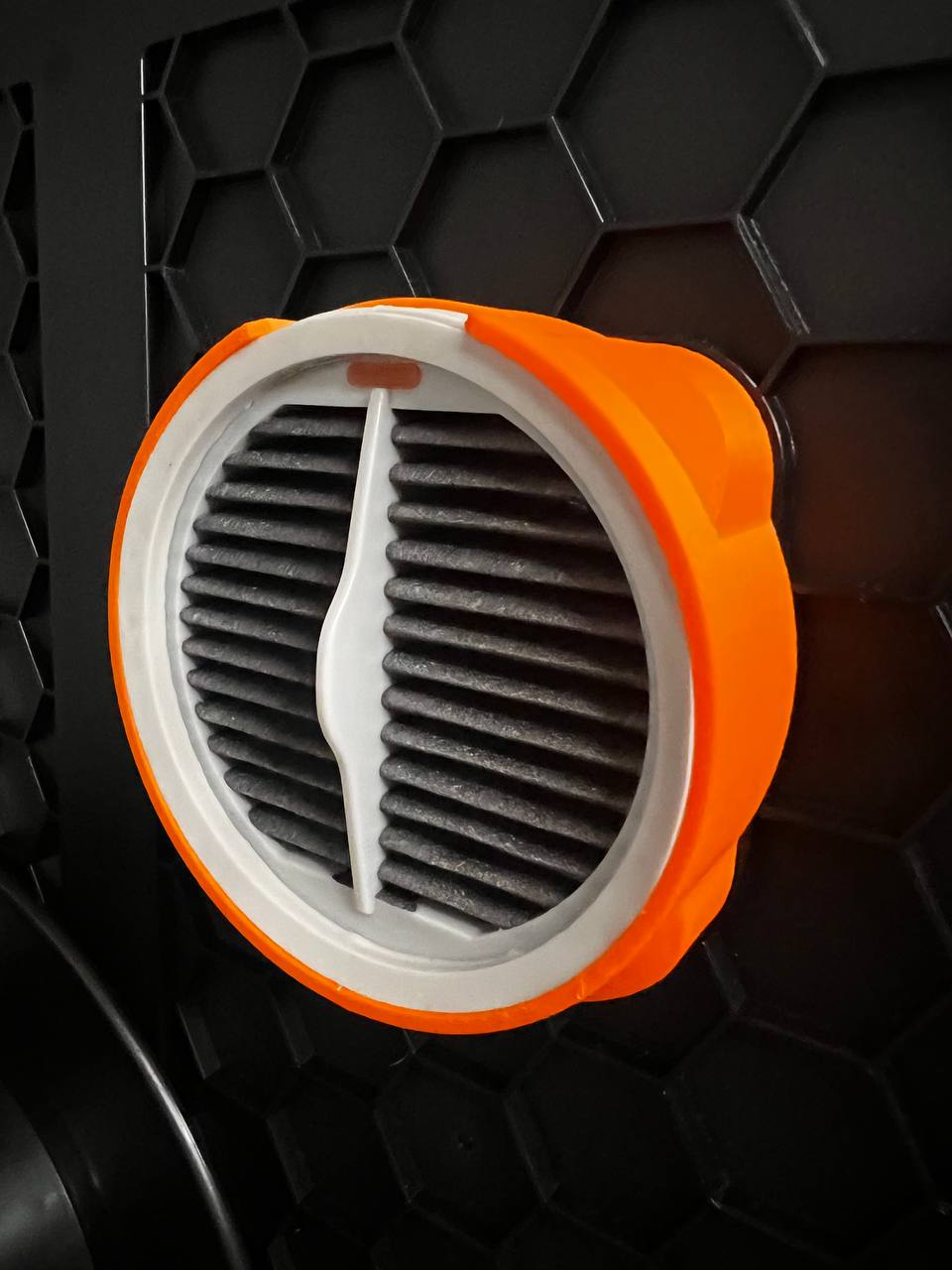
This design has been created to place a hepa + carbon filter on our Creality K1 printer using Xiaomi washable hepa filters
You can buy me a coffee with a donation. Me puedes invitar a un café haciendo una donación Click to donate
Commercial components
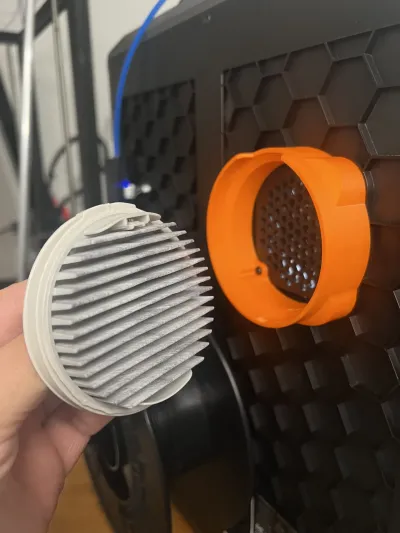
- 1 unit - Hepa filter Roidmi Xiaomi Aliexpress
Optional for Active carbon filter version
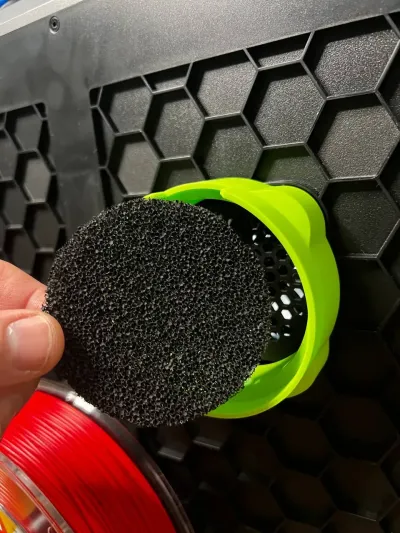
- 1 unit – Active Carbon filter
Assembly instructions
1. Remove the 2 screws of fan, they will be use it to fix the hepa housing
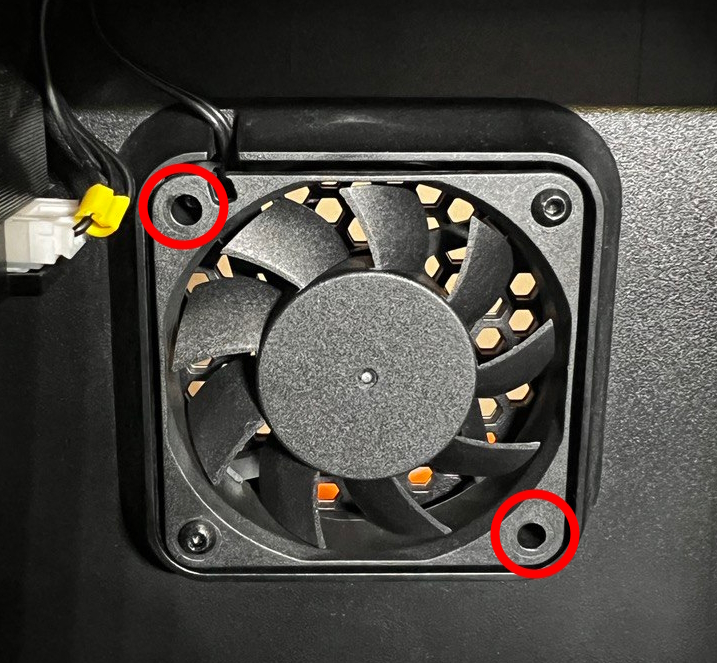
2. Mount the hepa housing with the two screws from the previous step
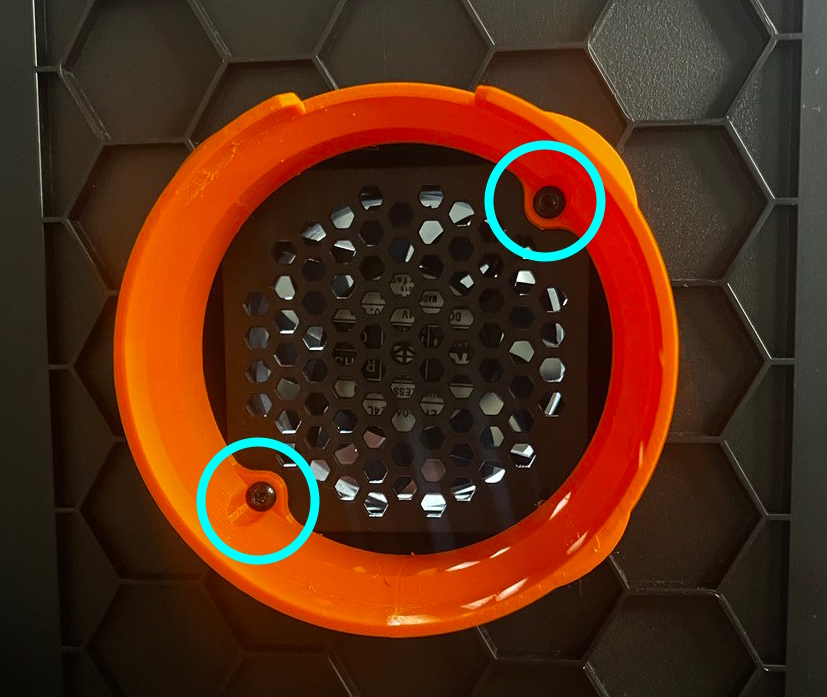
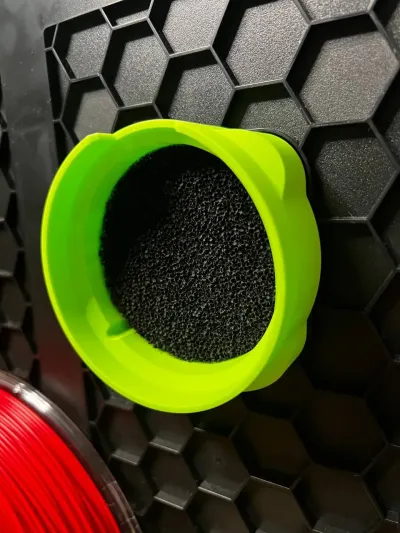
3. Place the active carbon filter (only version with active carbon filter)
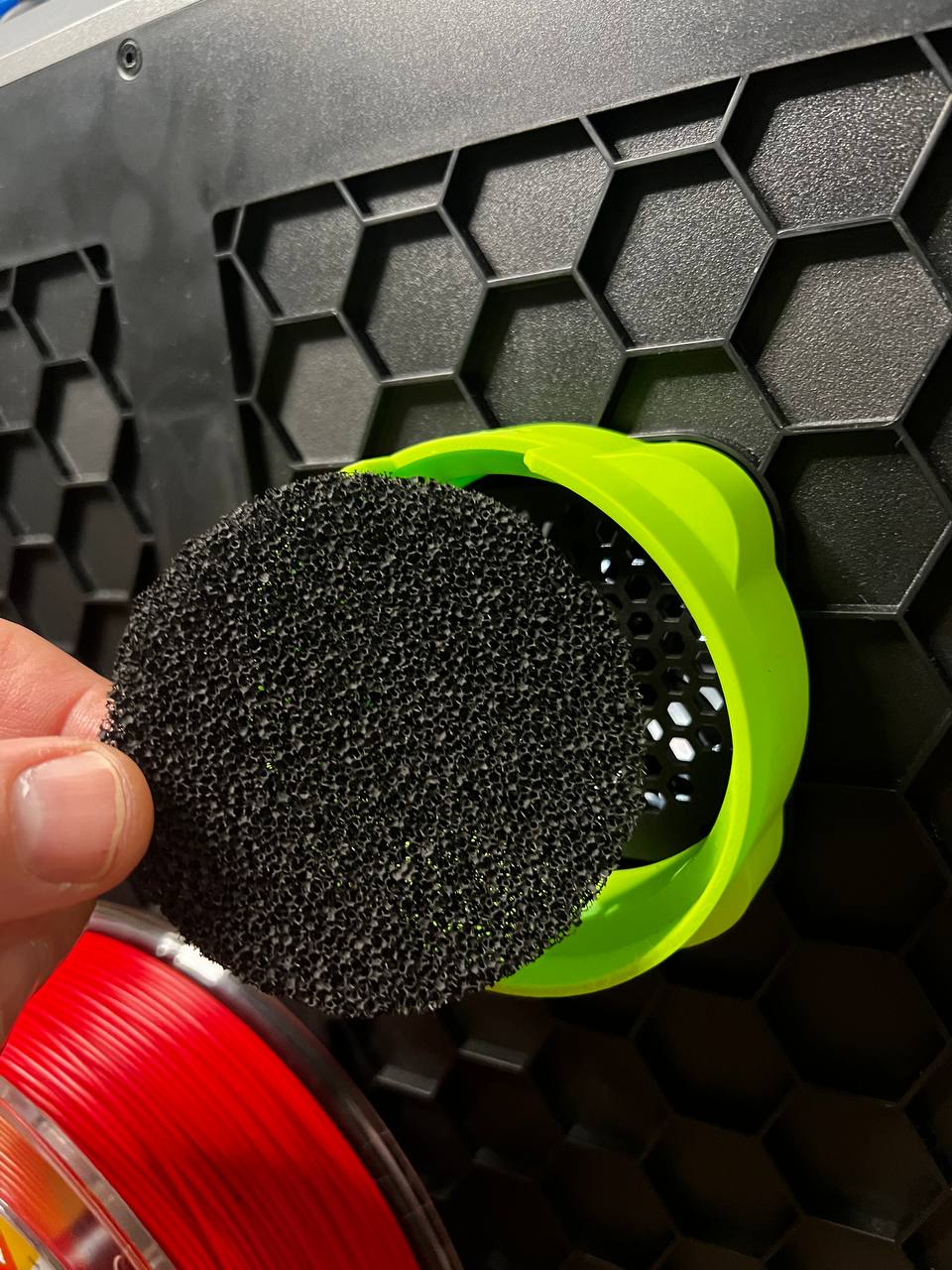
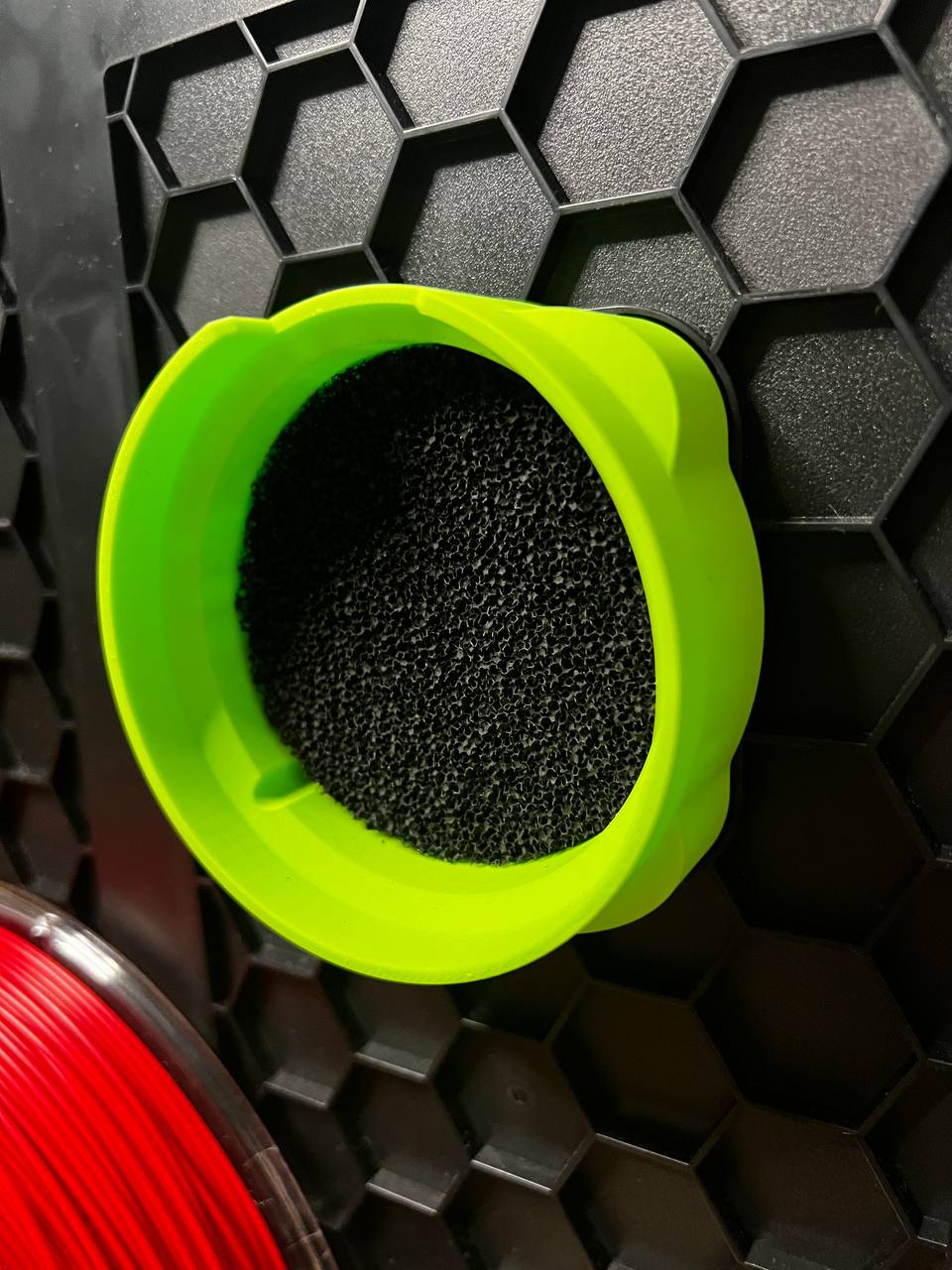
4. Place the hepa filter
Bill of materials
- NameQuantityNotes
- 1Hepa filter Roidmi Xiaomi1
- 2Active carbon filter1
Originality of the Model
The author declares that this work is their personally original model
This model is licensed under the following terms:
Credit must be given to the creator
Only noncommercial uses of the work are permitted
Models(1)
- Hepa+AC+filter+housing.3mfDesigner

1.29 MB

2025-06-19


