




calibration
2020
test print
calibration test
2020 cube


90

37
Summary
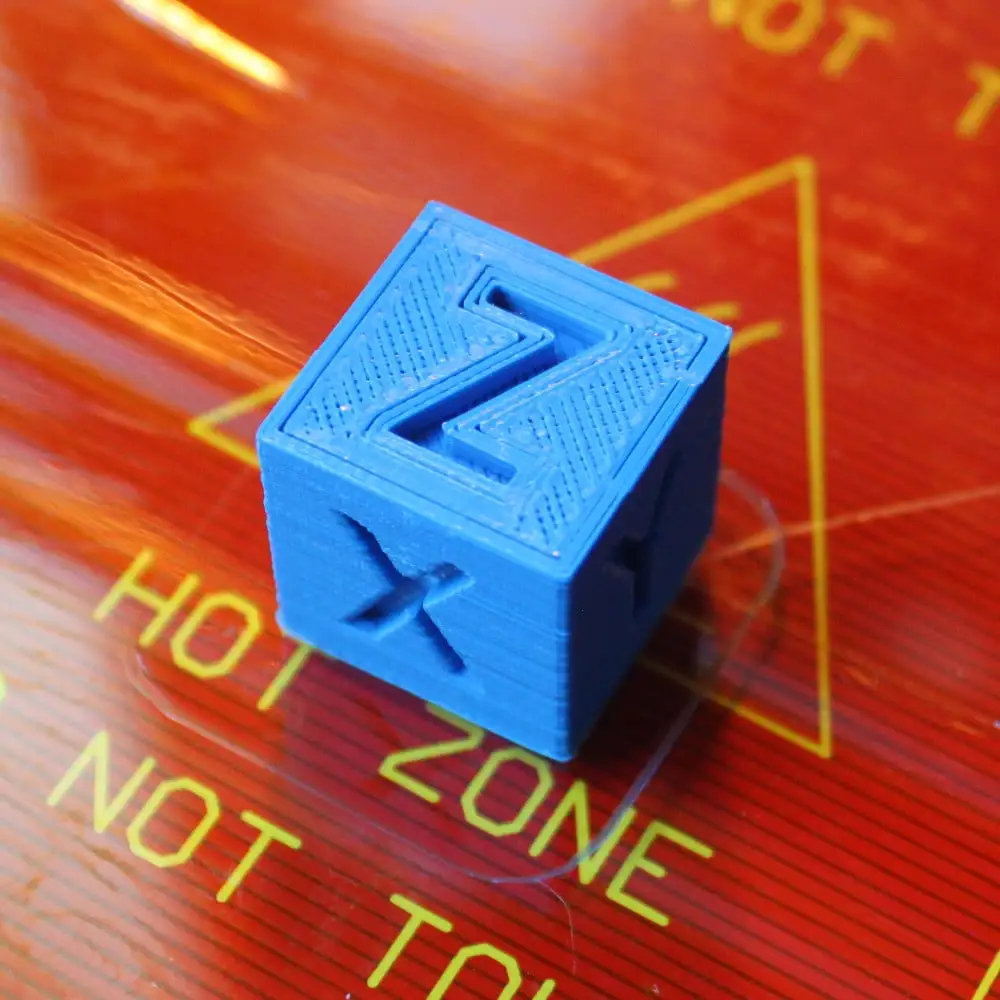
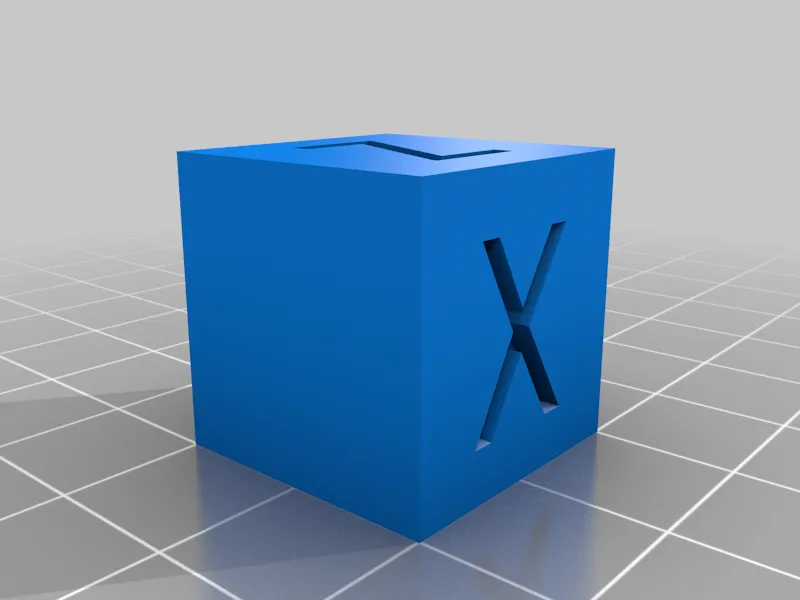
This is a simple calibration test cube for your 3D printer with X, Y & Z written on the axis.
To further calibrate your 3D printer print one out and you can then measure this models dimensions against the expected dimensions.
Once this is done you are able, if your 3D printer allows it, to adjust your Steps per mm in your printers firmware.
if:
e= expected dimension
o = observed dimension
s = current number of steps per mm
then:
(e/o) x s = your new number of steps per mm
In part though this is the result of a guide on how to make your own 3D printer calibration cube using Freecad ( https://www.idig3dprinting.co.uk/news/how-to-guides/create-a-3d-printer-calibration-cube-in-freecad/ )
So why not have a go at making your own!
Print Settings
Printer Brand:
RepRap
<p class="detail-setting printer"><strong>Printer: </strong> <div><p>Prusa i3 rework</p></div>Rafts:
No
<p class="detail-setting supports"><strong>Supports: </strong> <div><p>No</p></div>Resolution:
0.1mm
<p class="detail-setting infill"><strong>Infill: </strong> <div><p>30%</p></div>How I Designed This
Designed using this guide
<div><p>If you want to know how we designed it then please take a look at our post on the subject. All the information is there so that you can design your own ( <a rel="ugc nofollow" href="https://www.idig3dprinting.co.uk/news/how-to-guides/create-a-3d-printer-calibration-cube-in-freecad/">https://www.idig3dprinting.co.uk/news/how-to-guides/create-a-3d-printer-calibration-cube-in-freecad/</a> )</p></div>Originality of the Model
The author declares that this work is their personally shared model

This model is licensed under the following terms:
Credit must be given to the creator
Remixes must be shared under the same license
Models(1)
 xyzCalibration_cube.stl
6.72 KB

2025-03-27


