







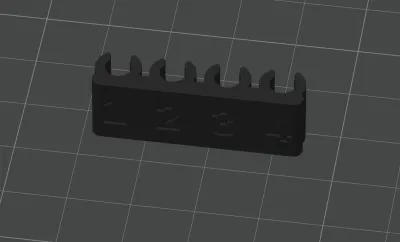

PTFE tube holder
4-way hose clamp
Hose clamp
Pipe holder
Kabelmanagement
Druckerzubehör
Clip with numbering
elegoo centauri carbon
canvas
filament
canvas print
cclip
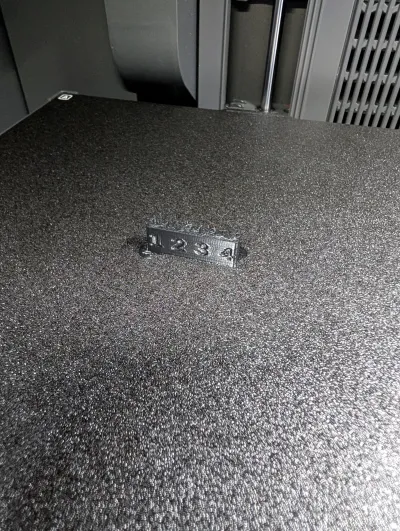
- 0.2 mm layer height, 2 walls, 15% infill

1-disc
PETG
Designer

490

26
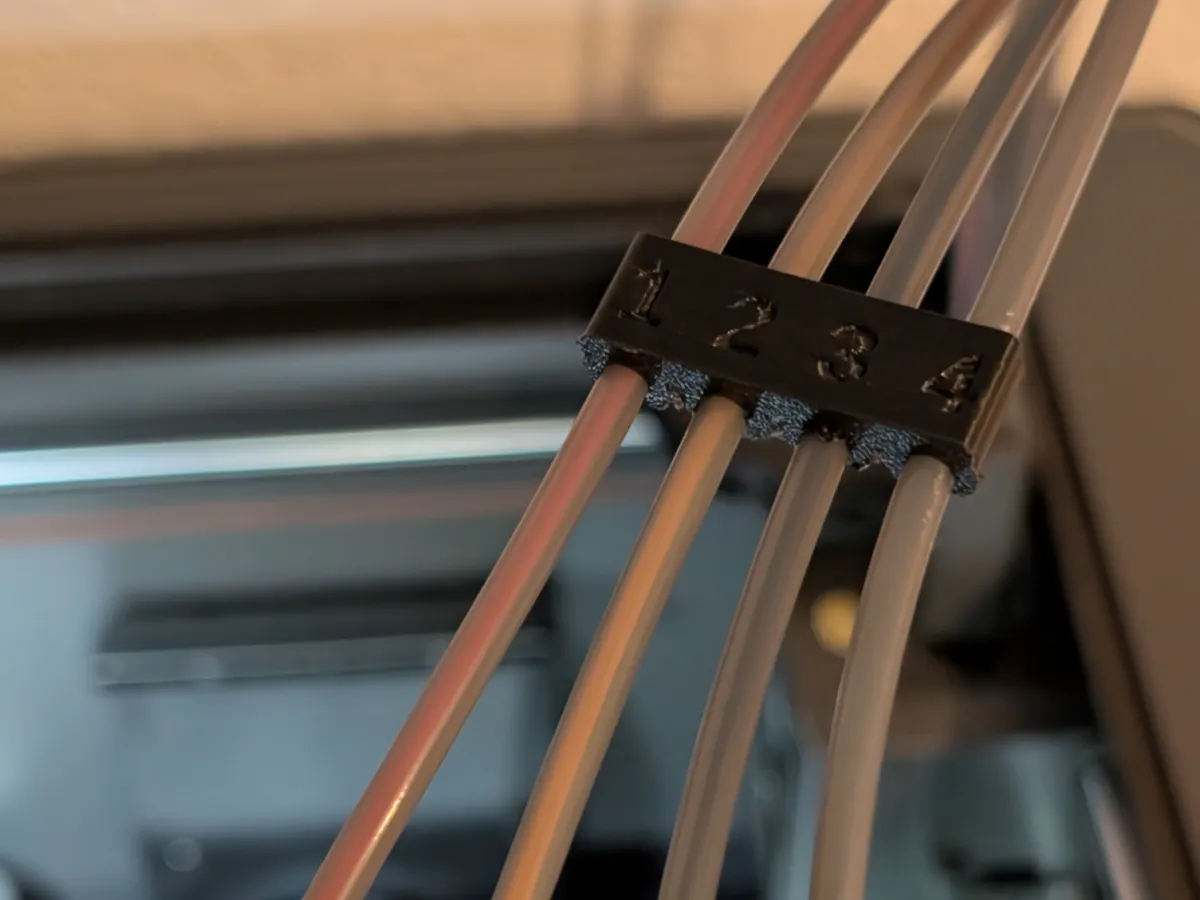
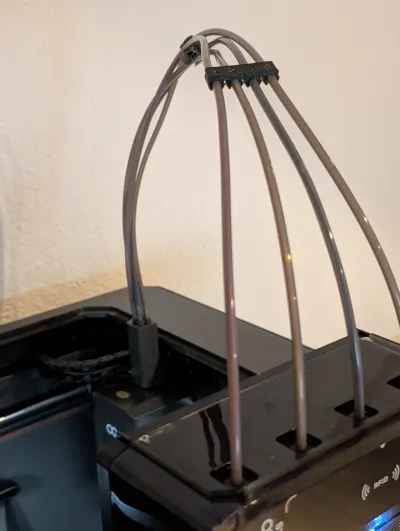
When utilizing the multi-material CANVAS system on the Elegoo Centauri Carbon 2, four independent 4 mm PTFE (Bowden) tubes must travel from the side buffer directly to the toolhead. During high-speed CoreXY movements, these loose tubes tend to splay, twist, and violently slap against the printer's top enclosure or get caught in the wiring. Additionally, when you need to troubleshoot, swap a specific filament, or inspect a jam, it is incredibly easy to lose track of which tube leads to which of the four material slots.
The Solution: The Numbered C-Clip
At just under 4 grams (specifically around 2.1g depending on your filament and settings), this 4-way organizer is an elegant, micro-footprint solution:
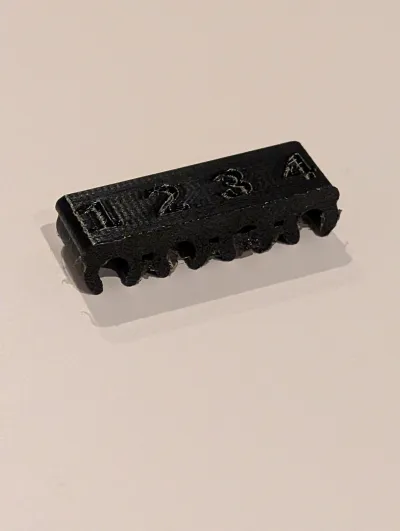
Identification at a Glance: The face of the clip is embossed with numbers 1 through 4, mapping exactly to your multi-material inputs. You will always know which tube belongs to which spool without trace-back guesswork.
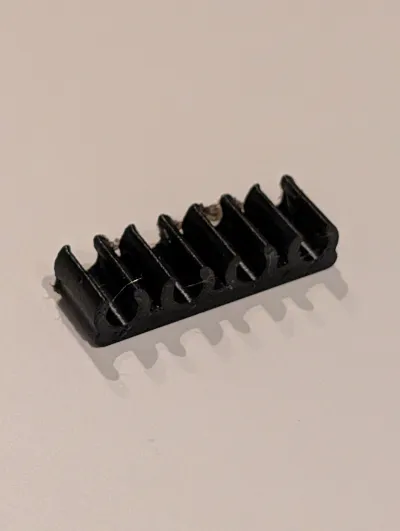
Smart Tension "C-Claws": Designed with 45-degree lead-in chamfers, the tubes snap in with a satisfying click without being crimped or restricted. The inner diameter is sized with tolerances to hold the tubes firmly while still allowing them to glide lengthwise when the toolhead moves, preventing tension build-ups.
Separation & Flex: By keeping a consistent spacing (pitch) between the tubes, the clip prevents friction and wear while still allowing the Bowden bundle to flex naturally as a cohesive, low-profile unit.
Installation
- Gather your 4 PTFE tubes coming from the CANVAS feed hub.
- Locate a section of the tubes that flexes or rubs (usually the upper-middle arch within the enclosure).
- Align the clip with the numbers facing outward.
- One by one, press each 4 mm tube into its corresponding numbered slot (1 through 4) until it snaps firmly into place.
- Slide the clip to your desired position to keep the bundle unified and silent during operation. You can print multiple clips if you need to secure the run at multiple points.
Originality of the Model
The author declares that this work is their personally original model
This model is licensed under the following terms:
No Copyright.
Models(2)
- 4-Way PTFE Tube Clip (with Slot Numbering 1–4).3mfDesigner

62.04 KB

2026-11-19
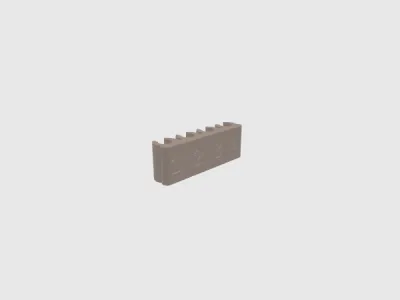 4-Way PTFE Tube Clip (with Slot Numbering 1–4).stlDesigner
124.30 KB
2026-11-19


