




Zigbee
ESP32C6
Macropad


70

3
Zigbee Macropad – 16-Key Wireless Controller for Home Assistant
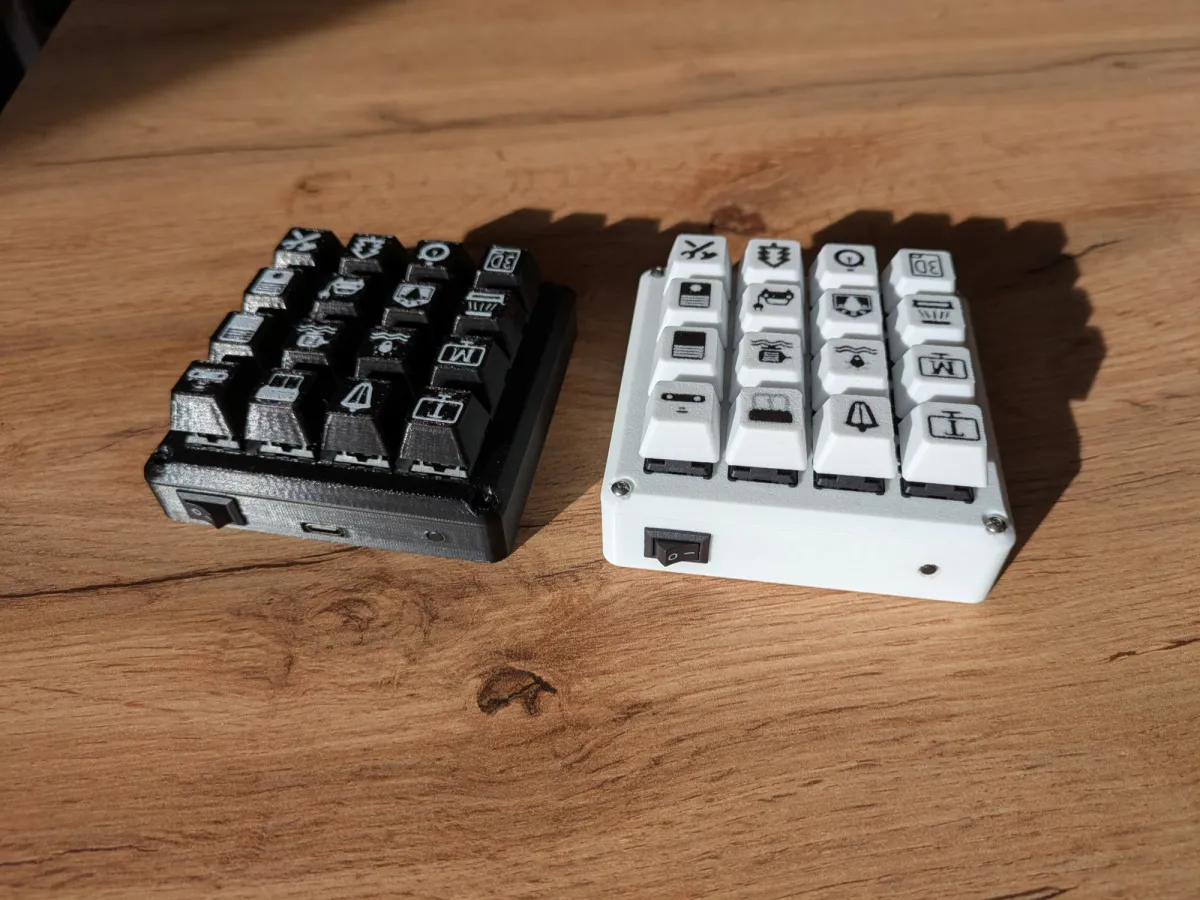
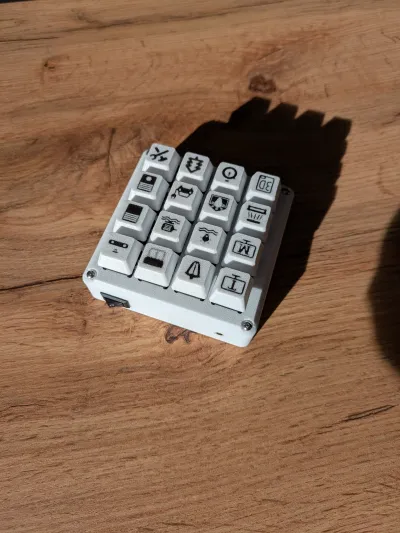
A compact 16-key Zigbee macropad powered by an ESP32-C6, designed specifically for seamless integration with Home Assistant via Zigbee2MQTT.
This macropad provides tactile mechanical key input, configurable LED feedback, and a fully 3D-printed enclosure.
Each key supports three distinct actions — single press, double press, and long press — allowing you to trigger virtually any Home Assistant automation from a single device.
⭐ Version 2 (Current & Recommended)
V2 is a complete refinement of the original concept, improving usability, power efficiency, and overall build quality.
What’s new in V2:
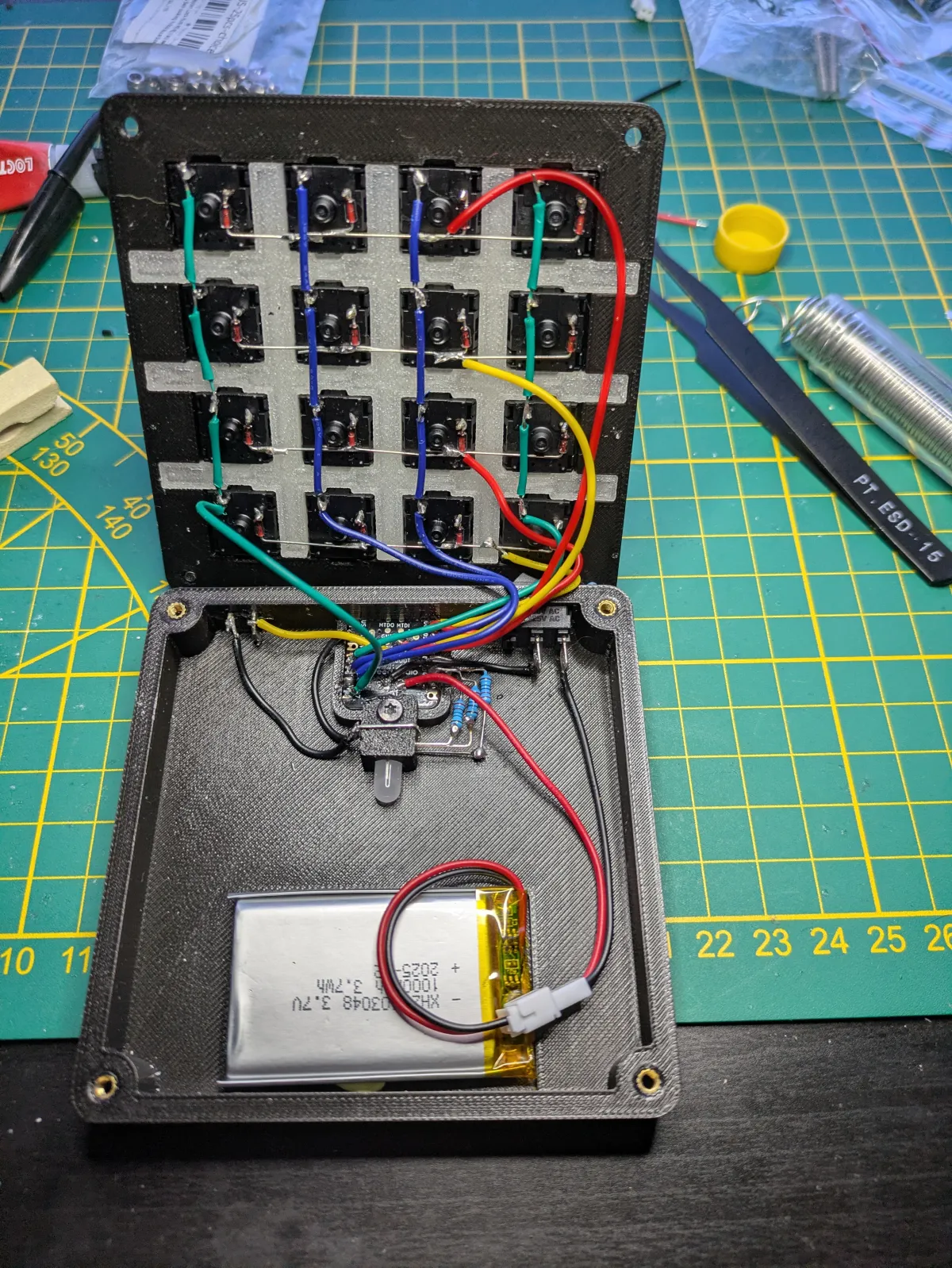
- XIAO ESP32-C6–based design for better performance and lower power consumption
- Integrated BMS for safe, direct battery charging
- No power loss while running on battery
- Over 1 month of battery life on a single charge
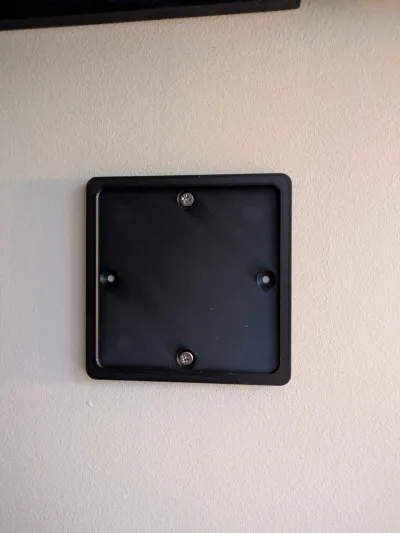
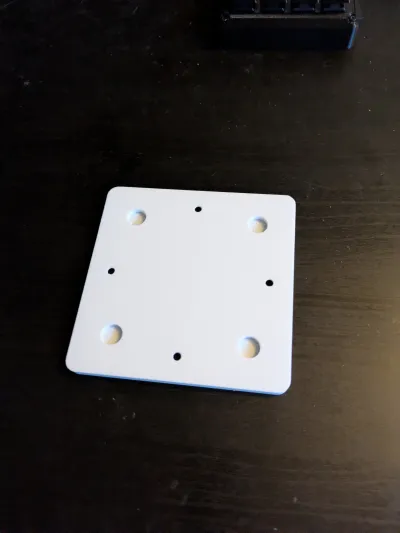
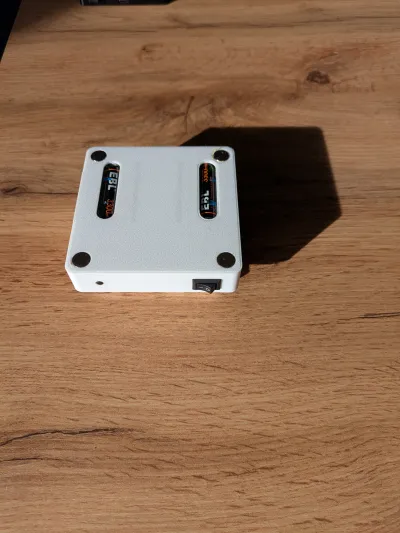
- Hidden internal magnets, fully embedded in the enclosure
- No glue required
- No risk of magnets popping out over time
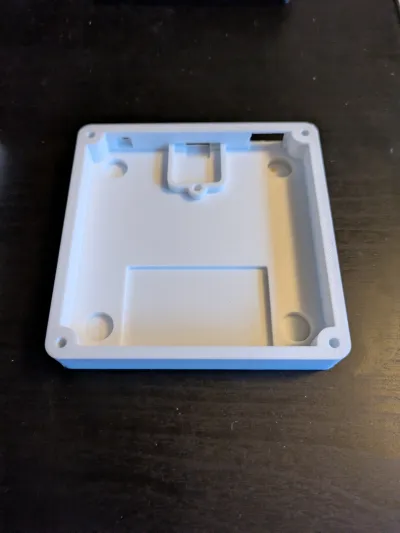
- Updated enclosure design for a cleaner and more robust build
V2 enclosure:
- ZigbeeMacropadXIAOV2.stl
V2 source code & files:
This version is designed to be daily-use ready, maintenance-free, and easy to mount anywhere.
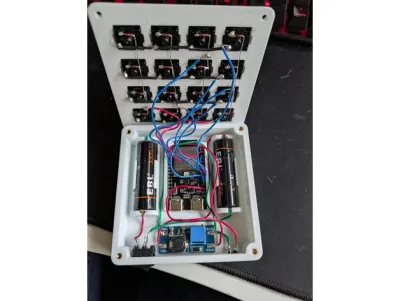
🧪 Version 1 (First Prototype)
V1 is the original prototype, kept available for reference and experimentation.
Characteristics of V1:
- ~1 week of battery life
- Painful charging process (no integrated BMS)
- External buck converter causing significant battery drain
- Early enclosure design
V1 enclosure:
- ZigbeeMacropadBottomCoverV7.stl
V1 source code & files:
While fully functional, V1 clearly reflects its prototype nature and has been superseded by V2.
💡 Two-Part Top Cover & LED Diffusion
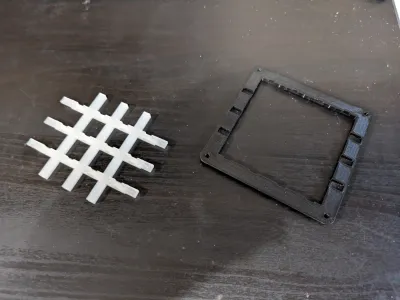
The macropad uses a two-part top cover design to improve LED light diffusion and visual customization:
- ZigbeeMacropadTopCoverInterior.stl
- ZigbeeMacropadTopCoverExterior.stl
This design allows you to:
- Mix different filament types or colors
- Fine-tune print settings (wall count, infill, layer height) independently
- Achieve smoother, more even LED diffusion
In my build, I used transparent filament for the interior part to get soft, well-diffused lighting, but this setup gives you full freedom to experiment with your own materials and finishes.
📦 Documentation & Project Files
Everything needed to build, modify, or extend the project is available on GitHub, including:
- Bill of Materials (BOM)
- Assembly and build instructions
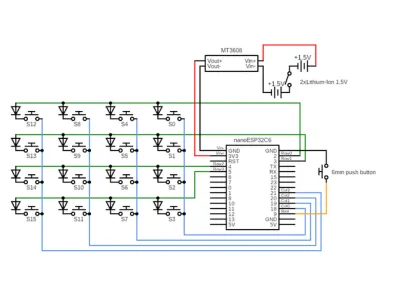
- Schematics
- Firmware and source code
- 3D models
Originality of the Model
The author declares that this work is their personally original model
This model is licensed under the following terms:
Credit must be given to the creator
Models(15)
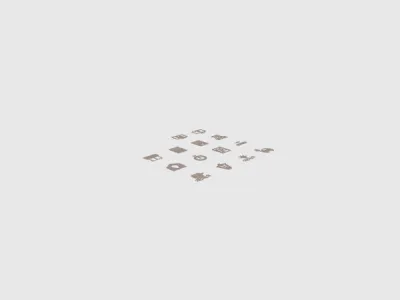 IconsForKeyCap.stlDesigner
586.31 KB

2026-04-09
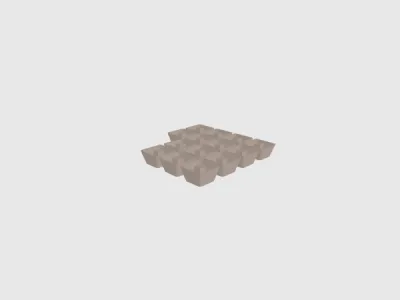 KeyCapIconHole.stlDesigner
1.43 MB
2026-04-09
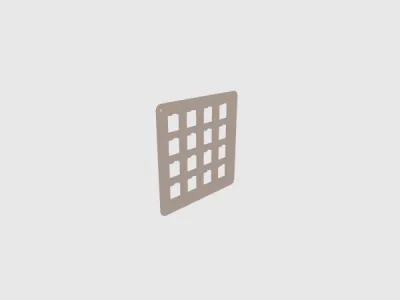 OriginalTopCover.stlDesigner
91.68 KB
2026-04-09
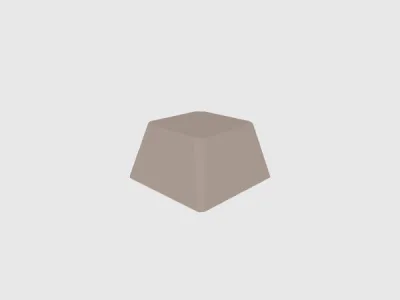 Simple-CherryMX-Keycap.stlDesigner
30.26 KB
2026-04-09
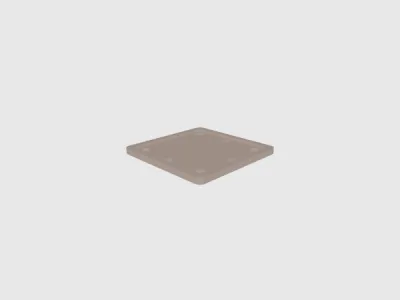 ZigbeeMacropadBasePlate.stlDesigner
165.12 KB
2026-04-09
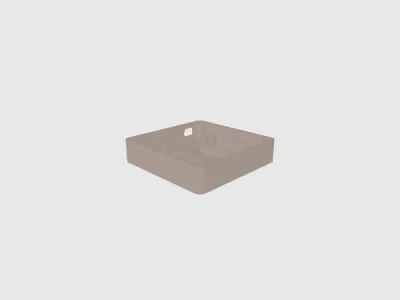 ZigbeeMacropadBottomCoverV7.stlDesigner
412.19 KB
2026-04-09
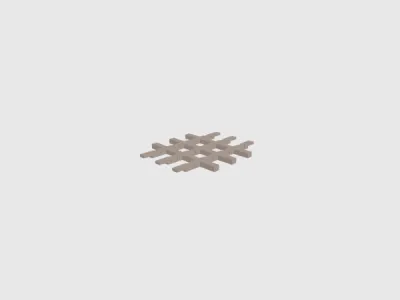 ZigbeeMacropadCoverPart1.stlDesigner
37.00 KB
2026-04-09
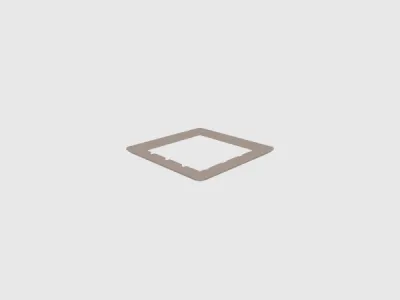 ZigbeeMacropadCoverPart2.stlDesigner
70.30 KB
2026-04-09
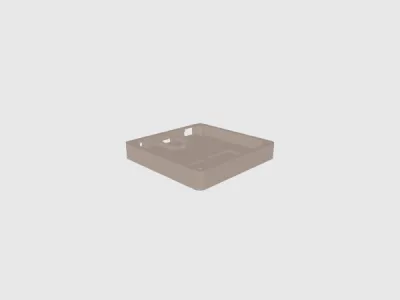 ZigbeeMacropadXIAOV1.stlDesigner
310.04 KB
2026-04-09
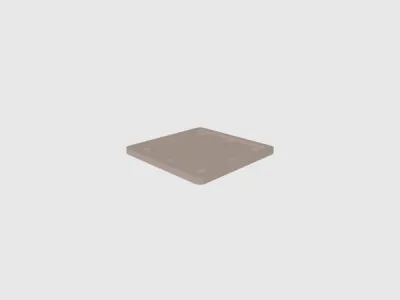 ZigbeeMacropadBasePlateV2.stlDesigner
199.50 KB
2026-04-09
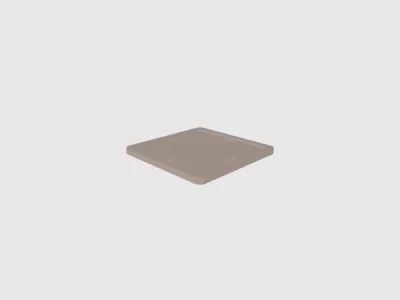 ZigbeeMacropadBasePlateV4.stlDesigner
191.39 KB
2026-04-09
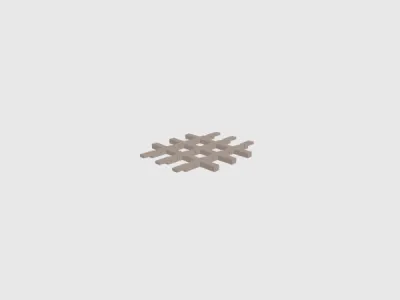 ZigbeeMacropadTopCoverInterior.stlDesigner
37.00 KB
2026-04-09
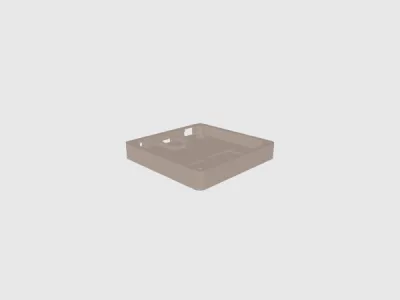 ZigbeeMacropadXIAOV2.stlDesigner
277.04 KB
2026-04-09
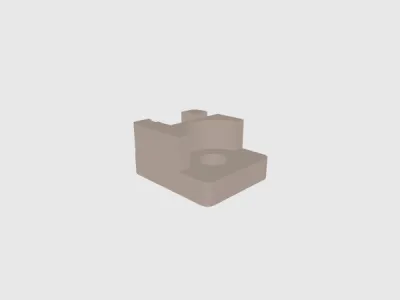 ZigbeeMacropadClipXIAOV3.stlDesigner
125.57 KB
2026-04-09
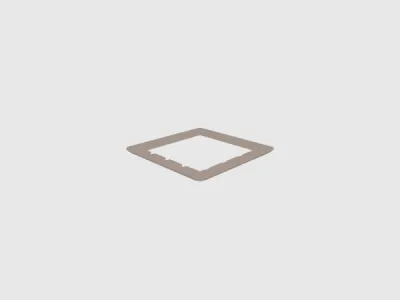 ZigbeeMacropadTopCoverExteriorV2.stlDesigner
70.20 KB
2026-04-09
View all(15)


