




ender3v3ke
landscape
guppyscreen
nebulapad
- 0.2mm layer, 4 walls, 15% infill

1-disc
PETG
Designer

24

4
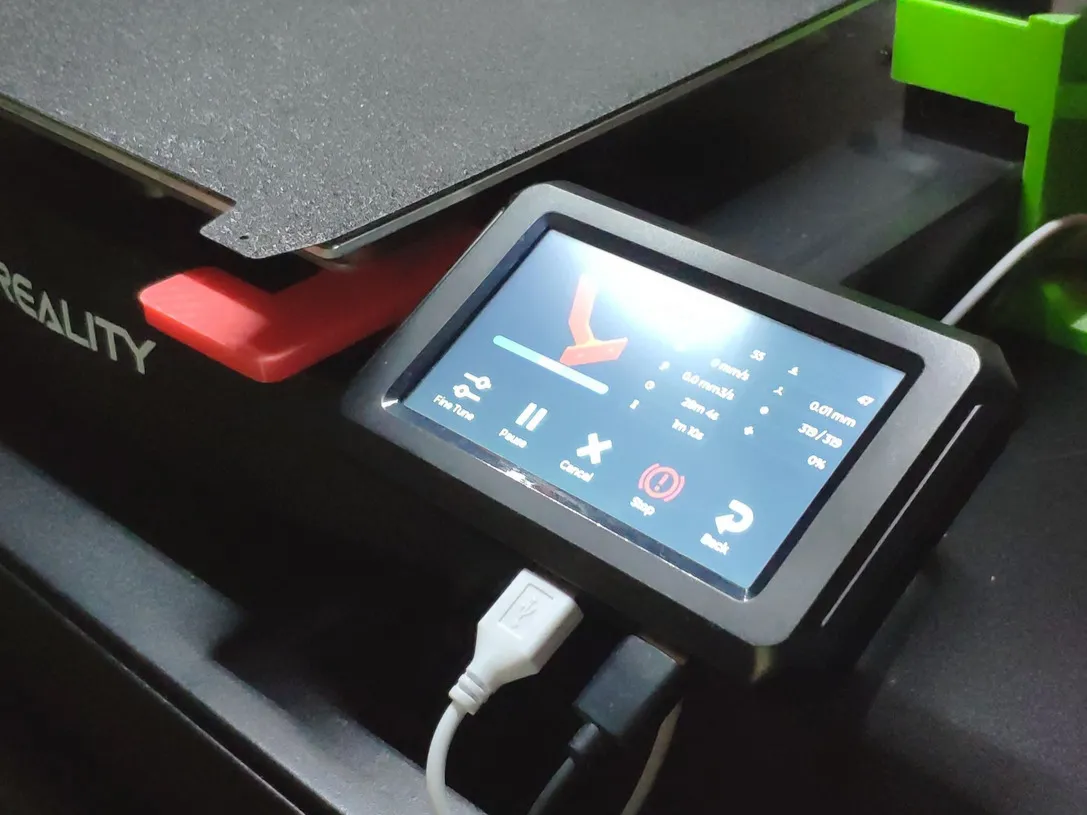
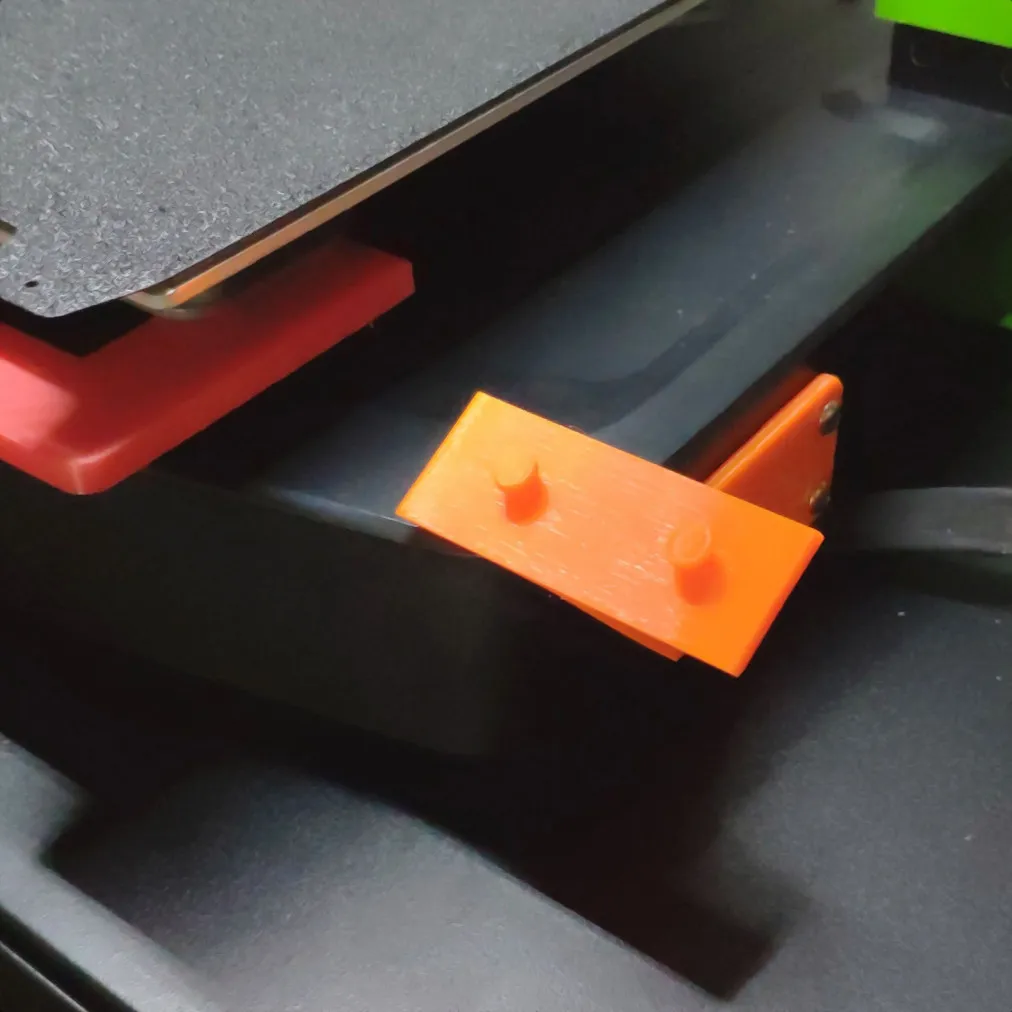
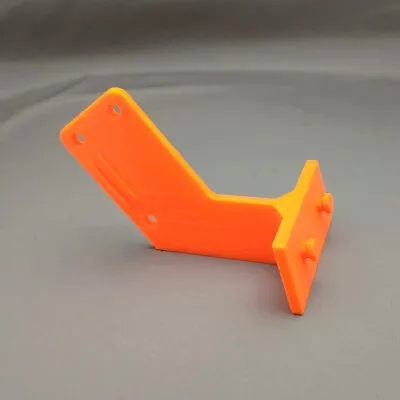
Screen holder for the Nebula pad of the Ender 3 V3 KE in a horizontal/landscape position. I have made this model after using my first mount for some time. However I wanted to decrease the horizontal footprint of my Ender as much as possible to fit another printer next to it. So I made this mount instead.
Advantages are
- Smaller horizontal footprint of the printer
- Easy access to screws for mounting
- Easy access to usb-c port on the back
- Low enough not to be in the way of a camera arm mounted on the z-axis
- Screen can be easily removed from the mount
Print instructions
Use (tree) support for the pins on the display mount. Use 3 or 4 walls for extra strength.
Assembly
Use the original mounting screws to attach the mount to the printer
You can use the Helper script from Guilouz (https://guilouz.github.io/Creality-Helper-Script-Wiki/) to setup Guppy screen and other useful features on your Ender 3 V3 KE.
For the Guppy screen configuration you need to set display rotation to "2" (180 degrees), see https://ballaswag.github.io/docs/guppyscreen/configuration/#display_rotate
If you already have calibrated you need to re-calibrate by removing touch_calibration_coeff from the config file (https://ballaswag.github.io/docs/guppyscreen/configuration/#touch_calibration_coeff)
Originality of the Model
The author declares that this work is their personally original model
This model is licensed under the following terms:
Credit must be given to the creator
Only noncommercial uses of the work are permitted
Remixes must be shared under the same license
Models(3)
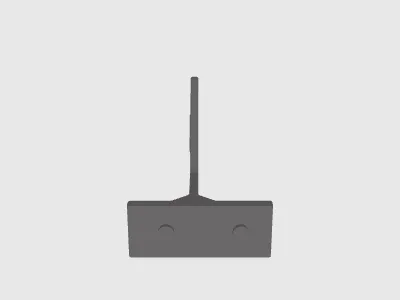 Ender3V3KE_HorizontalScreenHolder.stepDesigner
100.62 KB

2025-09-17
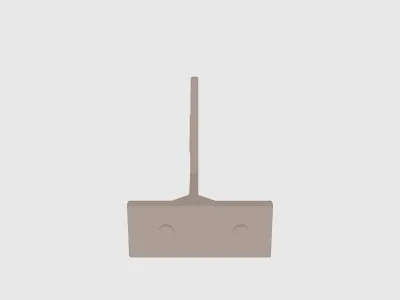 Ender3V3KE_HorizontalScreenHolder.stlDesigner
641.49 KB
2025-09-17
- Ender3V3KE_HorizontalScreenHolder_CR.3mfDesigner
592.35 KB
2025-09-17
View all(3)


