




dungeons and dragons
corner
dungeon
openforge
openlock
cave
stone wall
volcano
rock wall
modular tile
modular build
map

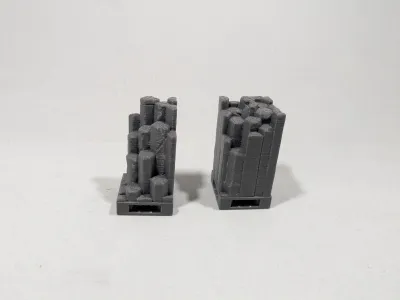
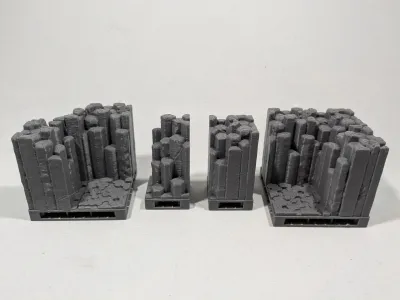
- All volcanic cave corners

5-disc
PLA
Designer

17

6
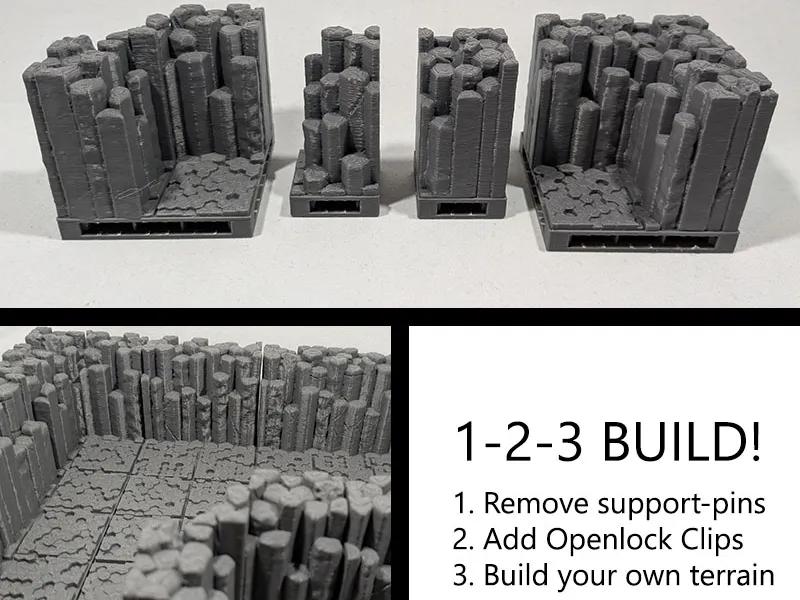
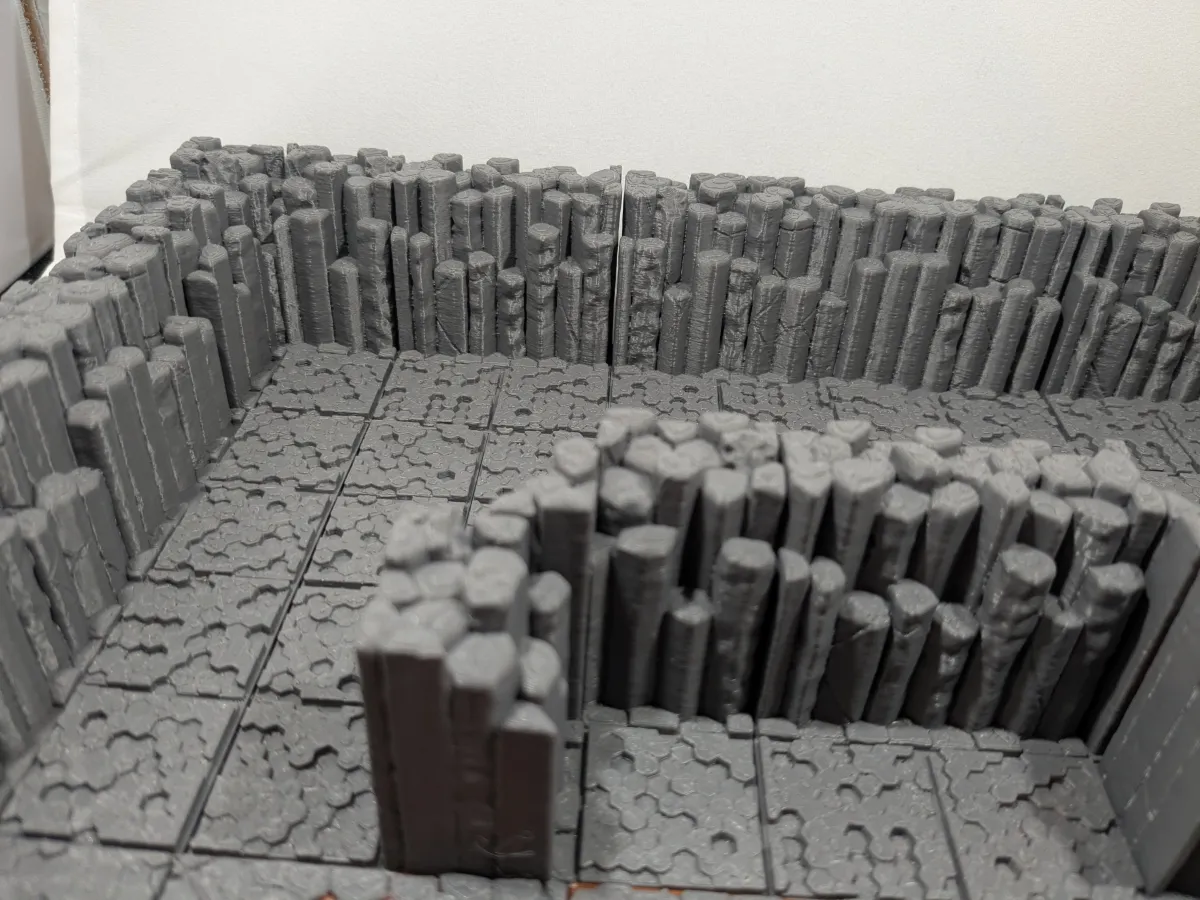
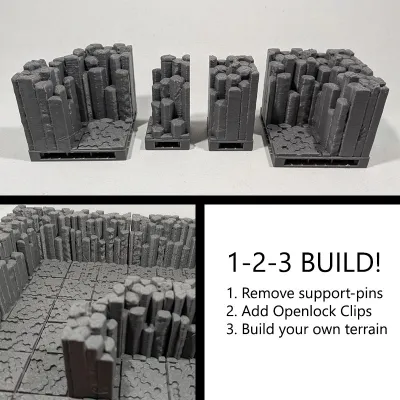
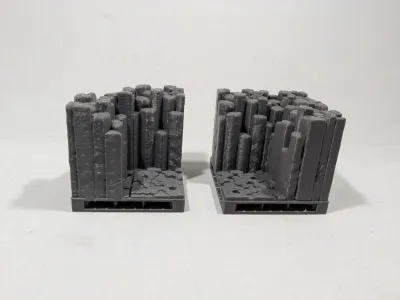
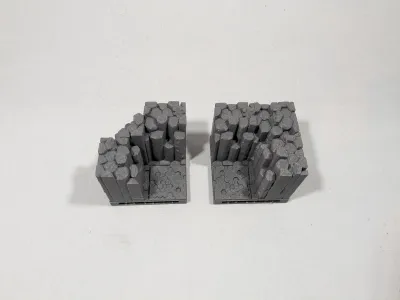
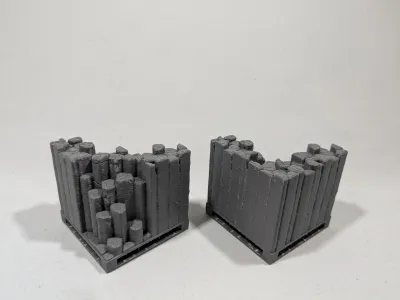
Complete you volcanic cave with these different corners. Both inverted and normal. A good gave/dungeon has some small coridors and corners, who knows what is behind the next corner?
I remixed the original tiles adding an Openlock triplex base you can click the tiles together in a limitless configuration of your choice. This way you can build the terrain easily and don't have to be scared the tiles get pushed around.
I added aditional beams, because I found that printing the big ones without them gives a very bad texture at the bottom. And if I put the time and money in tiles, I want them to be pretty and sturdy.
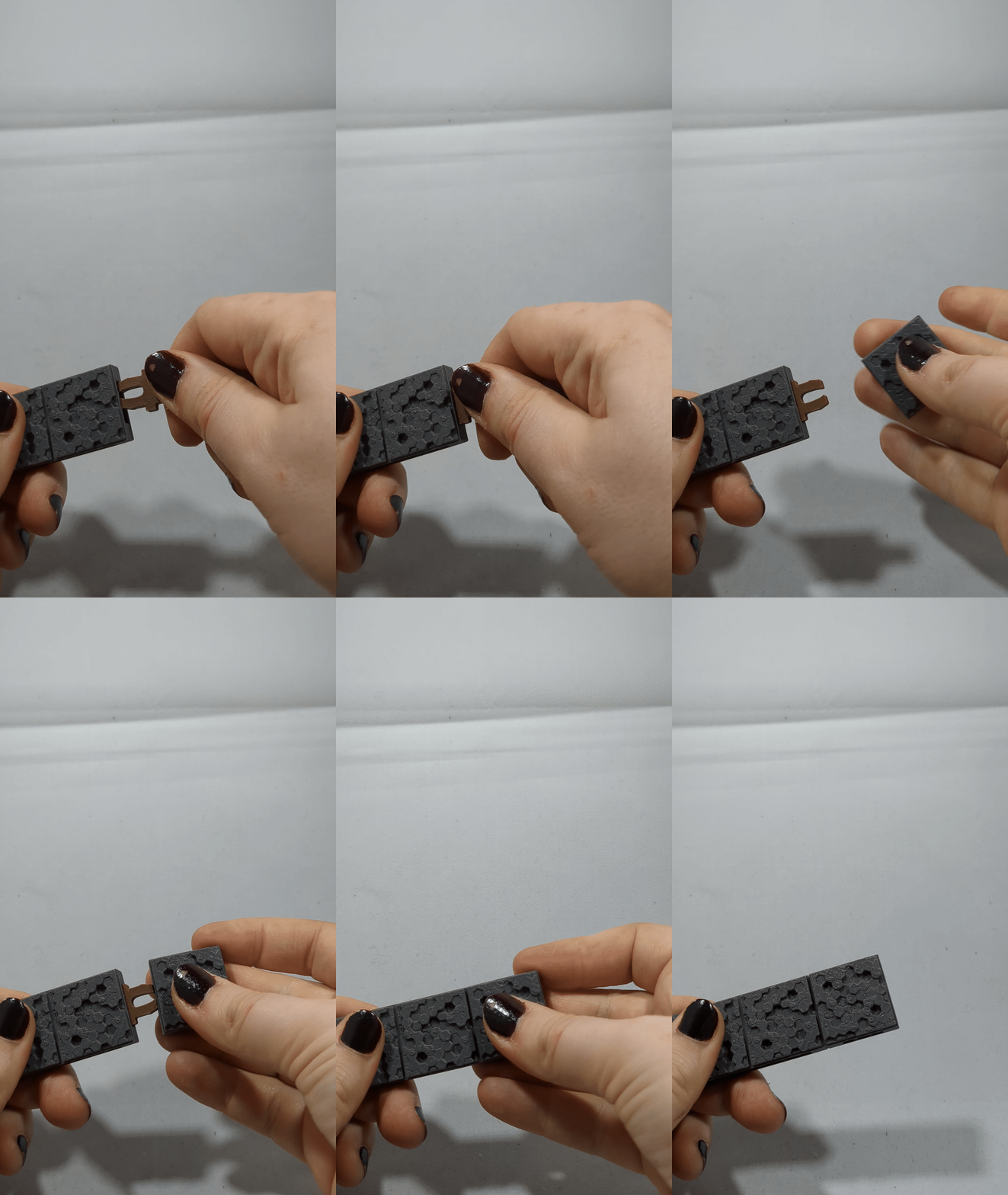
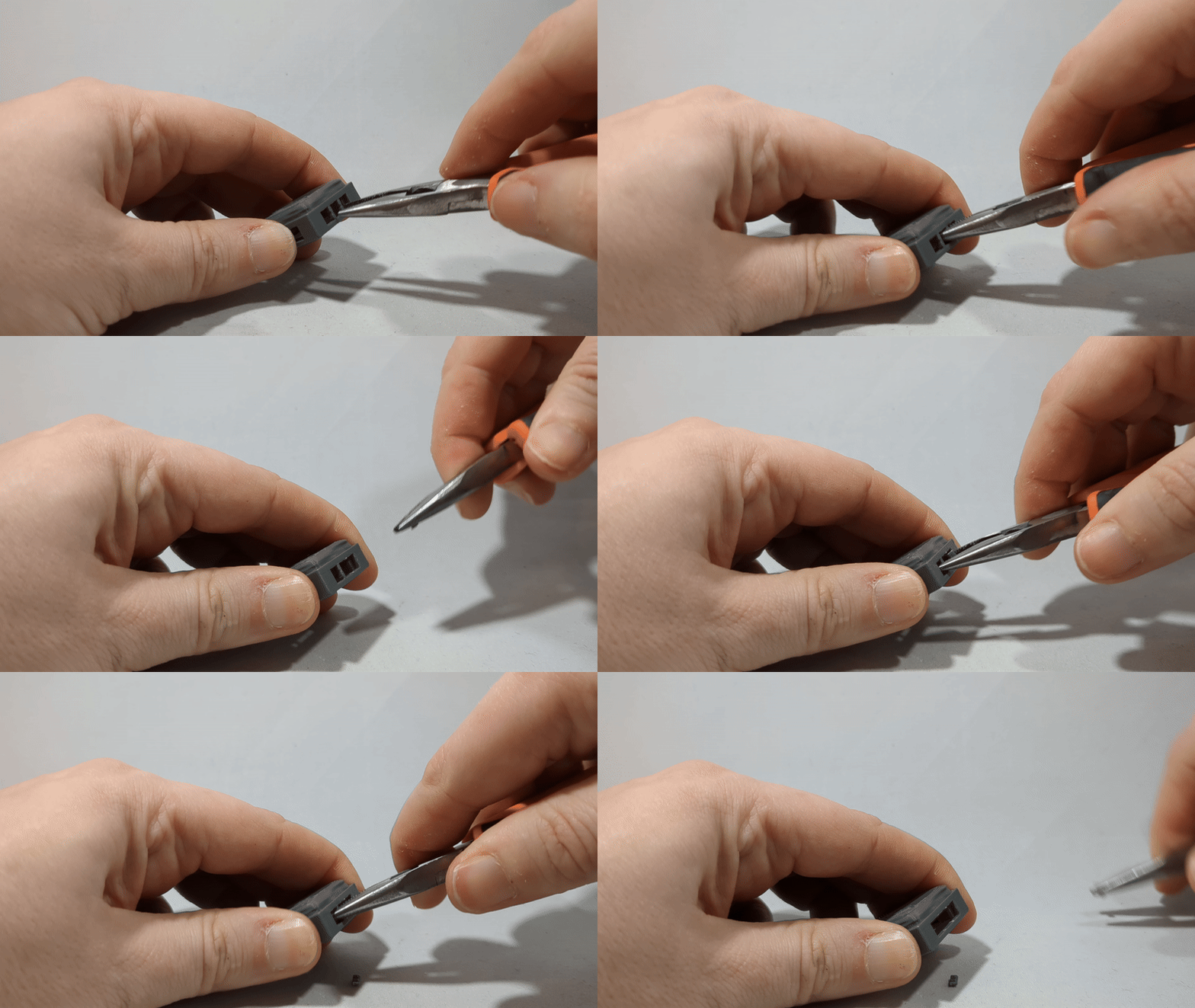
Instructions:
- Print the tiles of your choice.
- Remove the small supporting pins on the sides.
- Print Openlock clips to connect the tiles.
- Push one or more Openlock clips into the tiles (depending on the size of the tile 1 can be enough, 2 works best with big tiles).
- Connect the tiles together.
Building your own volcanic cave? Try these components:
Originality of the Model
The author declares that this work is their personally remixed model

This model is licensed under the following terms:
Credit must be given to the creator
Only noncommercial uses of the work are permitted
Models(5)
 Volcanic cavern tile corner on 1x1.stlDesigner
1.39 MB

2025-11-01
- Volcanic cavern tile corner on 2x2.stlDesigner
5.54 MB
2025-11-01
- Volcanic cavern tile inverted corner on 1x1.stlDesigner
1.29 MB
2025-11-01
- Volcanic cavern tile walls en corners_inverted corner2x2V2.stlDesigner
5.62 MB
2025-11-01
- 2.3mf
4.95 MB
2025-05-20
View all(5)


