




Gadget Modding Contest
Sub-screen
Monitor stand
Secondary screen bracket
Suspension screen bracket
Multi-screen extension bracket
Desktop Stand
DIY accessories
Computer Peripherals
Display expansion
Customizing a monitor
Secondary display screen
DIY secondary screen
monitoring screen
Table Setup
Portable Display

- 0.2 mm layer height, 5‑layer walls, 20% infill density

2-disc
PETG
Designer

39

3
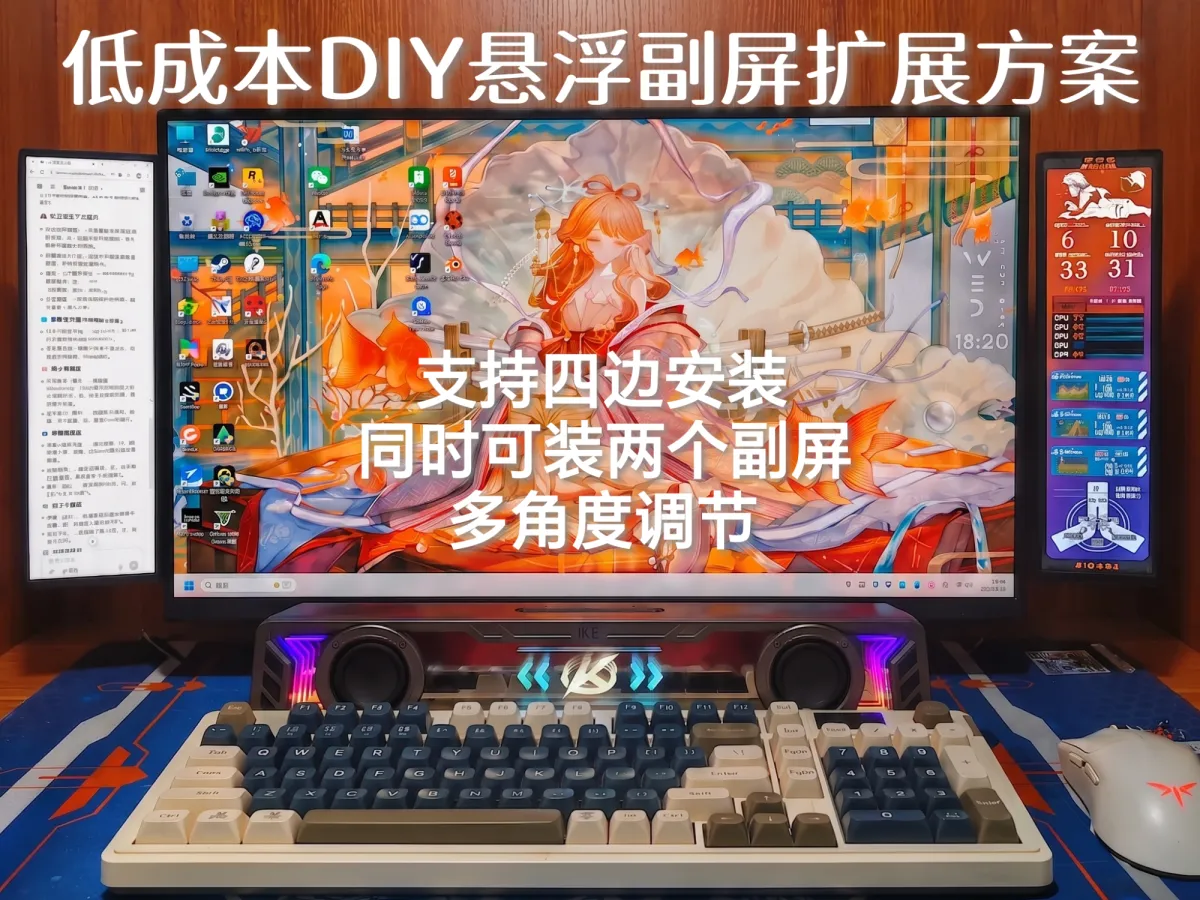
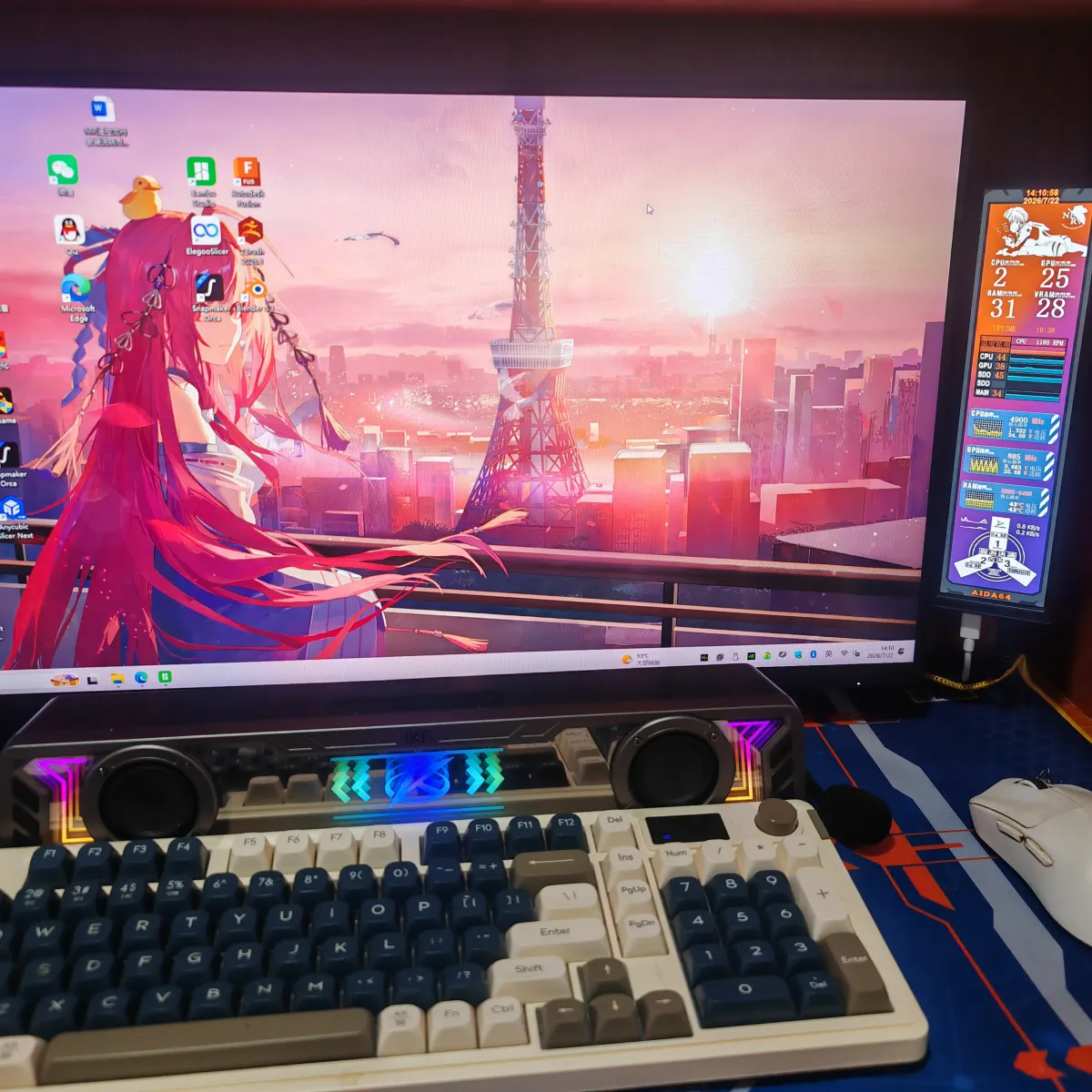
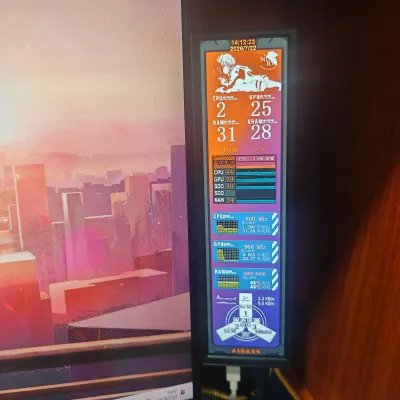
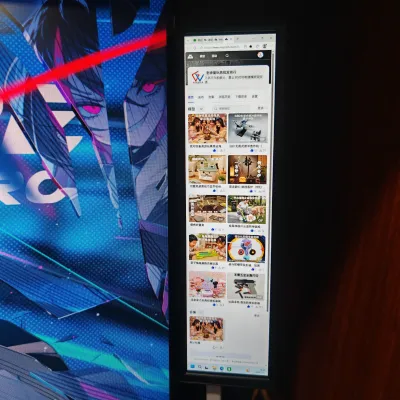
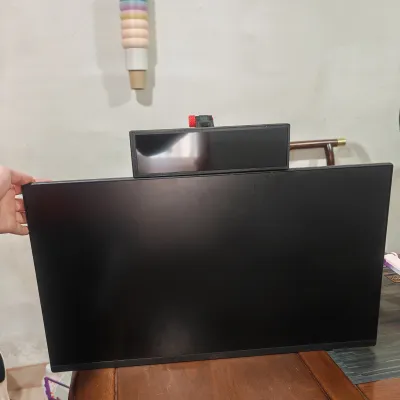
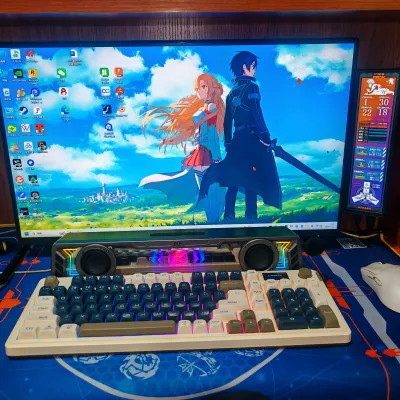
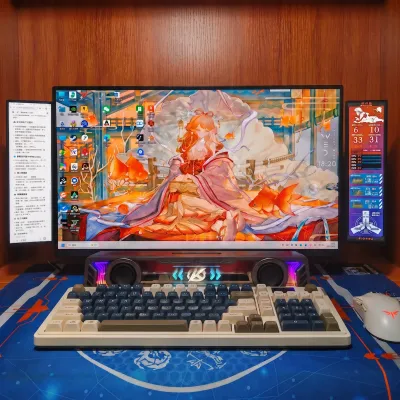
This is a low-cost DIY floating secondary-screen expansion solution, designed to enhance desktop productivity and visual experience. It supports installing two secondary screens simultaneously on either side or above/below the main display, enabling triple-screen collaboration—perfect for users who need to handle multiple tasks concurrently, compare code, monitor data, or stream games.
The core advantages of this solution lie in its flexibility and affordability:
Four-sided mounting: You can freely position the secondary screens to the left, right, above, or below the main screen, depending on your desk layout and personal preferences;
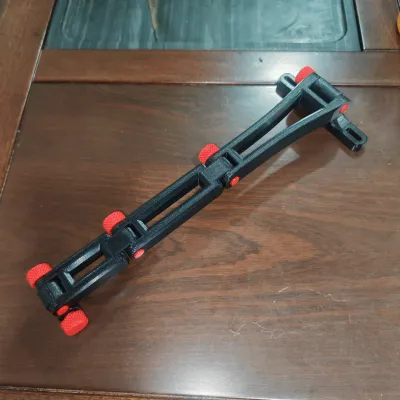
Multi-angle adjustment: The bracket allows for rotation and other adjustments, ensuring each screen is positioned at the most comfortable viewing angle;
High compatibility: It works with virtually any monitor, allowing you to upgrade without replacing your primary device;
Cost-effective: By purchasing only the screens and driver board, this DIY approach significantly reduces expenses compared to buying an all-in-one multi-monitor setup, while still offering room for personalized customization.
As shown in the diagram, the left secondary screen displays documents or chat windows, while the right secondary screen runs system monitoring tools or game‑assisting utilities. Meanwhile, the central main screen focuses on core content—this arrangement greatly reduces the frequency of window switching, enhancing operational smoothness and concentration. Whether you’re a programmer, designer, financial professional, or gamer, you’ll enjoy substantial efficiency gains.
Even more importantly, this DIY secondary-screen setup can dramatically elevate your overall aesthetic appeal!
This solution requires just four M2.5 screws to secure the driver board and two additional screws to mount the monitor brackets. Everything else is achieved through 3D printing.
The screens used are long‑strip displays with a resolution of 480×1920.
Here are the component details:

Installation guide:


Bill of materials
- NameQuantityNotes
- 1显示器背部支架螺丝2
- 2M2.5螺丝4
Originality of the Model
The author declares that this work is their personally original model
This model is licensed under the following terms:
This work is licensed under a Standard Digital File License. Digital files have a strict non-commercial, personal use only license.
You shall not share, sub-license, sell, rent, host, transfer, or distribute in any way the digital file or 3D printed versions of this object, nor any other derivative work of this object in its digital or physical format (including remixes of this object). You can not host these files on other digital platforms, web stores or cloud repositories. The objects may not be used in any way whatsoever in which you charge money, collect fees.
Models(1)
- 显示器副屏方案(长条屏).3mfDesigner

823.54 KB

2026-07-22


