



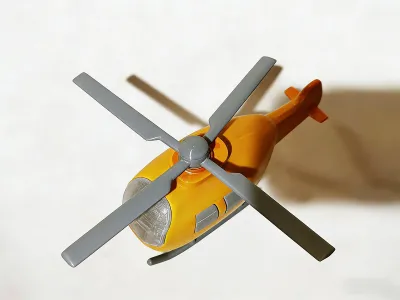

Helicopter
EC135
Movable Model
Propeller
Helicopter Model

- Layer height: 0.16 mm, wall thickness: 2 layers, infill density: 15%

3-disc
PLA
Designer4(1)

13

3
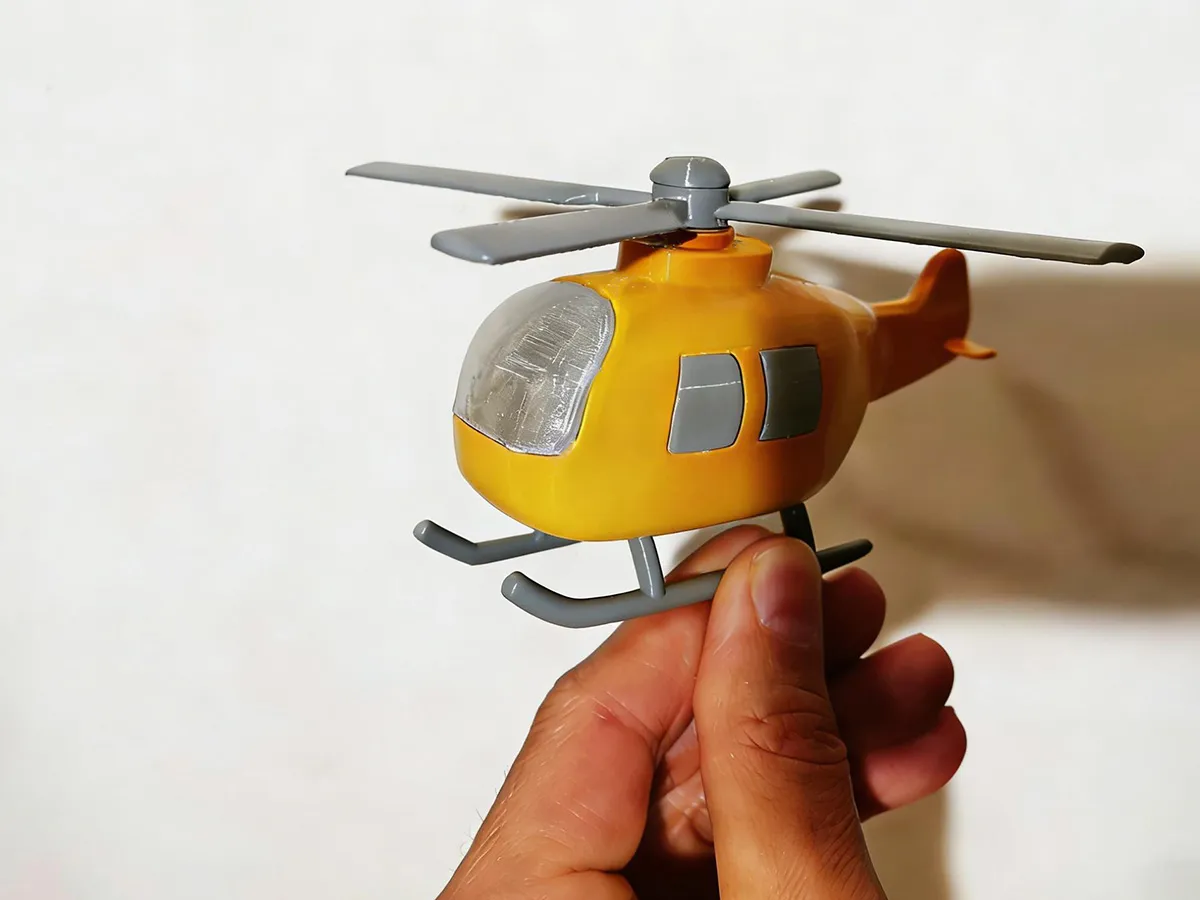
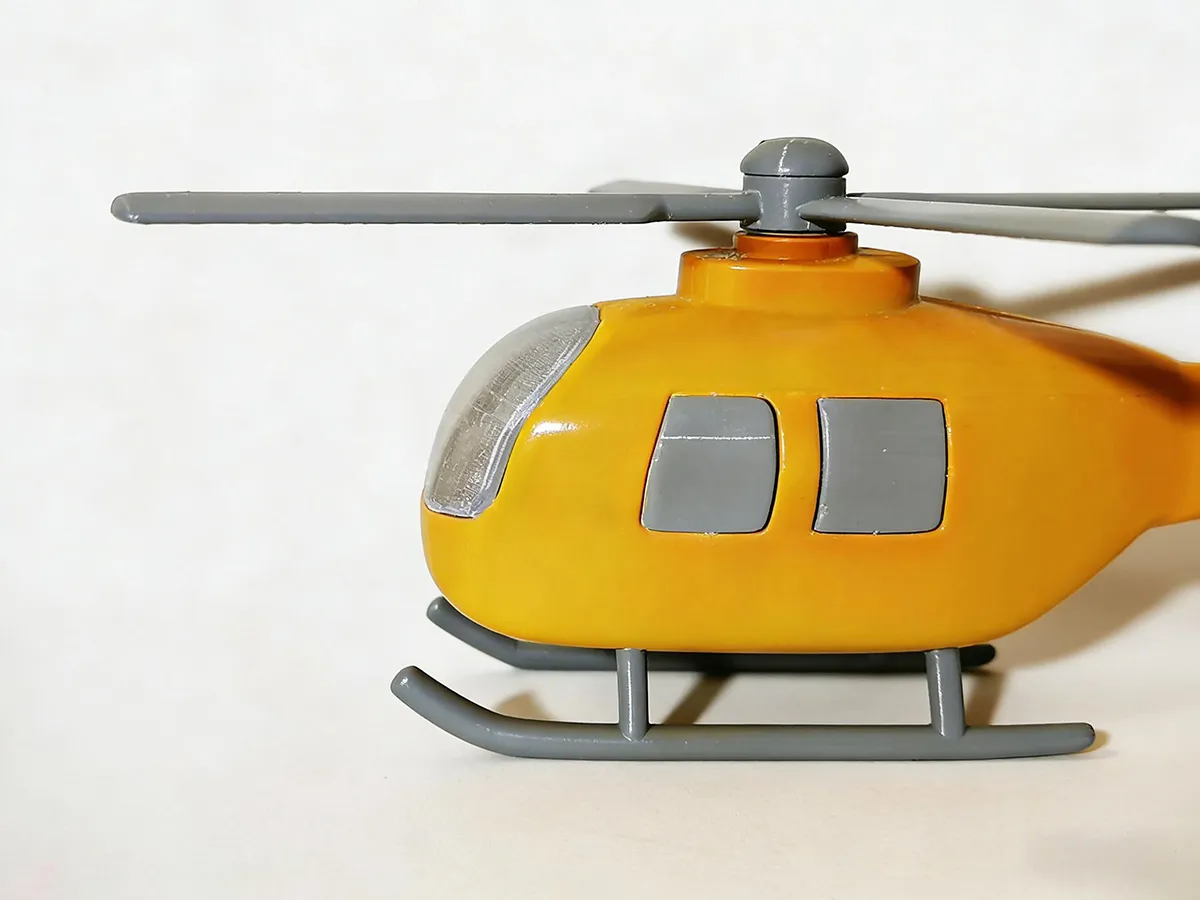
This EC135–style mini helicopter print 🚁 features a striking bright yellow and light gray color combination 🡆🟡⚪. The fuselage, windows, and rotor blades are printed separately—this not only enhances the surface finish but also ensures smooth, effortless rotor rotation. With its compact design, the model is perfectly suited for desktop display 🖼️; it boasts high printing accuracy and a burr‑free finish ✅, while assembly is straightforward and easy to master 🔧—making it an ideal choice for collectors, hobbyists, and those looking to capture stunning scene shots 📸.
🌟 Key Highlights
High Playability 🌀 The rotor blades can be manually spun at high speeds with smooth, fluid motion—perfect for stress relief and pure fun.
Simple Assembly 🤲 The model’s clear, well‑defined structure makes it easy for even beginners to put together.
Color Versatility 🎨 The bright yellow fuselage pairs beautifully with a wide range of 3D printing filaments, allowing users to easily customize the color scheme and create unique, personalized designs.
Low Material Costs 💰 The compact, hollow fuselage minimizes material usage, while its lightweight design makes storage and display a breeze.
⚠️ Friendly Tips
We recommend using a 0.16 mm layer height 📏 when printing to ensure crisp, detailed results. After printing, lightly sand the surface with fine-grit sandpaper to smooth out layer lines and achieve a more refined finish.
The rotor blades are separate components 🧩—once printed, simply assemble them by hand. For smoother rotation, lightly sand any contact points, such as the O‑ring gaskets, to reduce friction.
To preserve the integrity of your finished model, avoid dropping it or subjecting it to excessive force or pressure 💥—doing so could damage the parts and compromise both the aesthetic appeal and functional performance.
🛠️ Assembly Instructions
Installing the Rotor Blades: First, slide the rotor blades onto the rotating shaft, then fit the O‑ring gasket over the shaft. Next, insert the rotating shaft into the top of the fuselage, and finally, use tweezers or needle‑nose pliers to guide the C‑shaped clip into the fuselage interior, locking it securely onto the end of the rotating shaft.
Installing the Window Glass: Simply press the window glass firmly into place within the fuselage; if it feels too tight, lightly sand the edges with fine-grit sandpaper to ease installation.
Originality of the Model
The author declares that this work is their personally original model
This model is licensed under the following terms:
Credit must be given to the creator
Only noncommercial uses of the work are permitted
Remixes must be shared under the same license
Models(1)
- Helicopter_0215_mono.3mfDesigner

799.81 KB

2026-02-26


