












ECC
ElegooCentauriCarbon
Mod
multiboard
SidePanel
panel

- 0.2mm layer, 3 walls, 15% infill

5-disc
PLA
Designer5(2)

1.7k

153
Project overview:
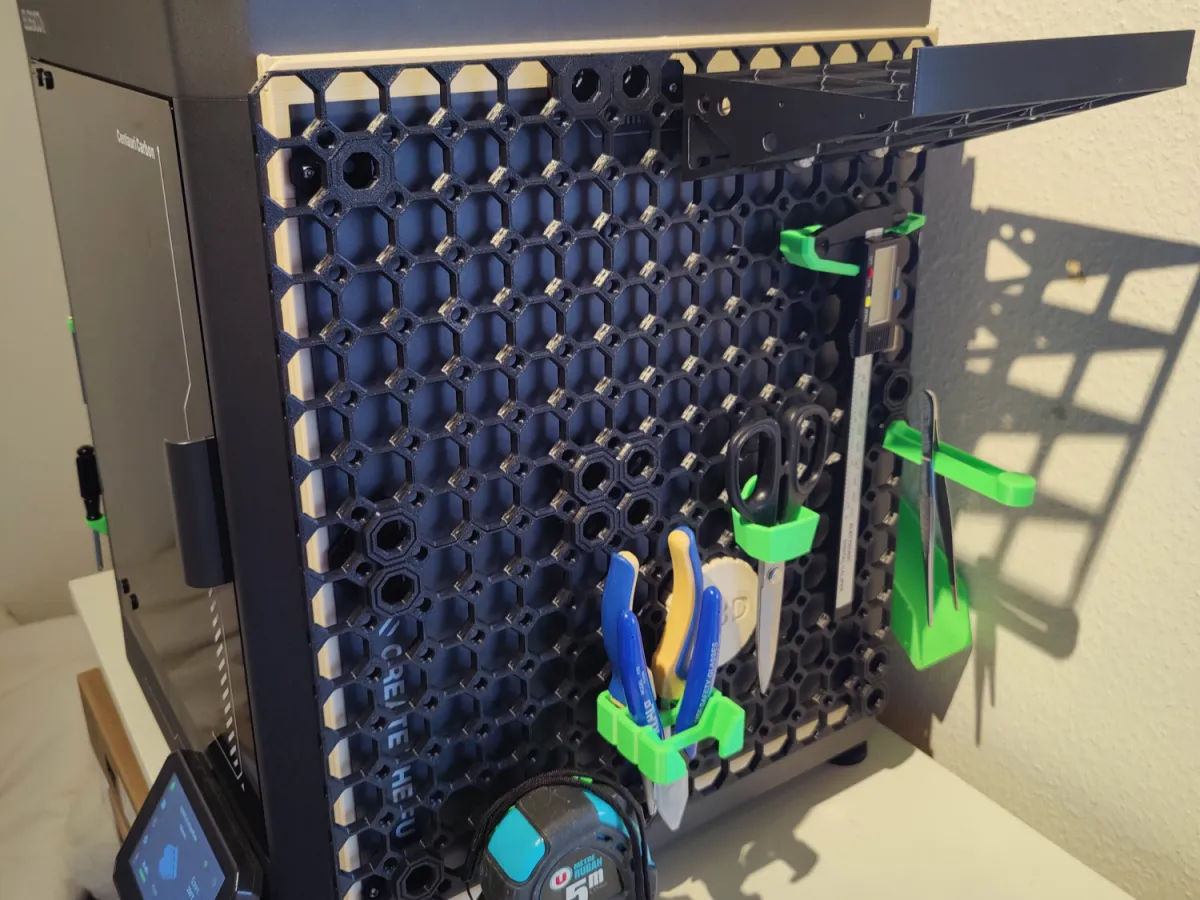
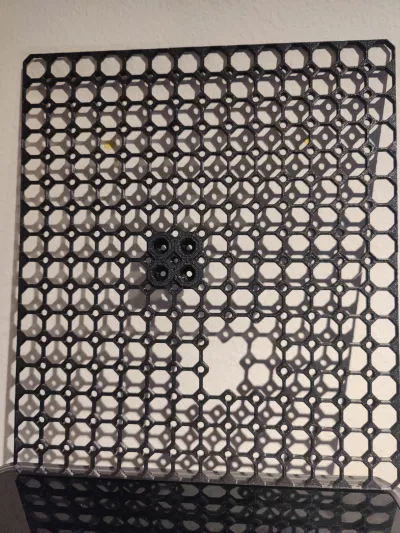
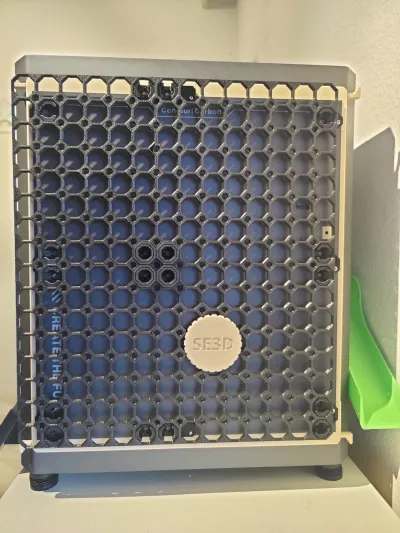
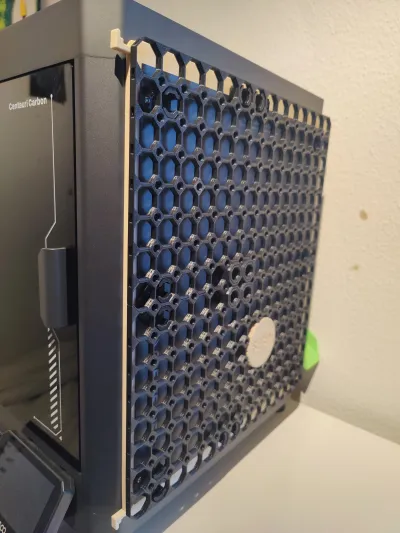
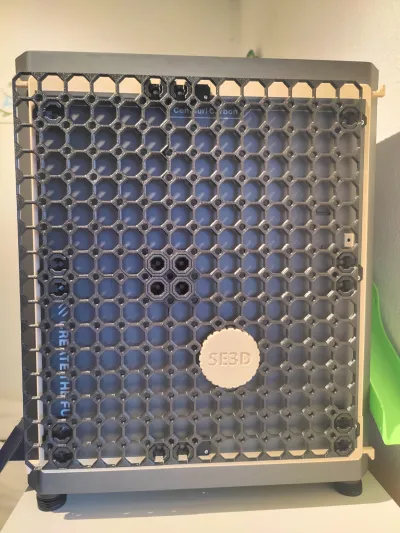
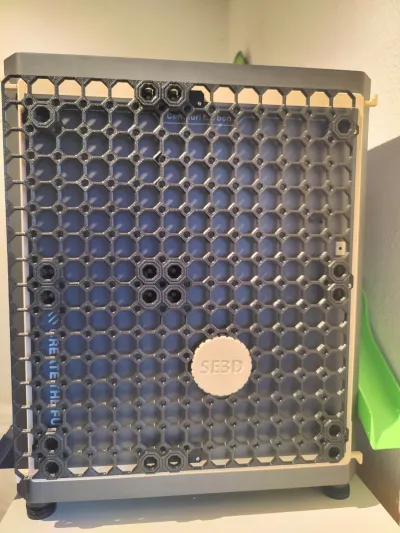
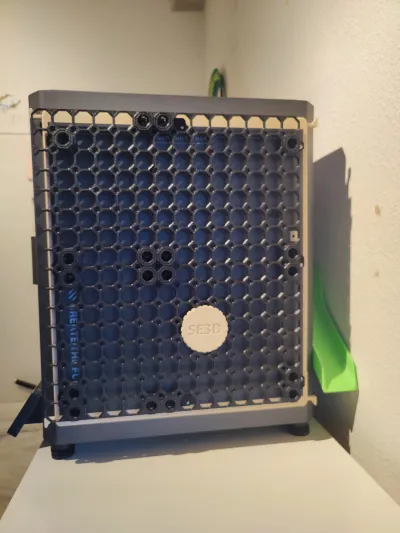
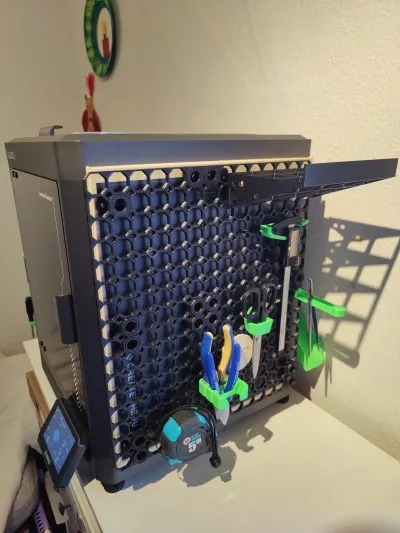
The purpose was for me to mount Multiboard panels on the RIGHT side of the Elegoo Centauri Carbon for people who have implemented Synthetic Electron “internal spool mod”.
(if you didn't implemented the “internal spool mod” to your ECC yet, I suggest to install my own Internal 70mm Spool Holder v3 - quick change remix of this mod)
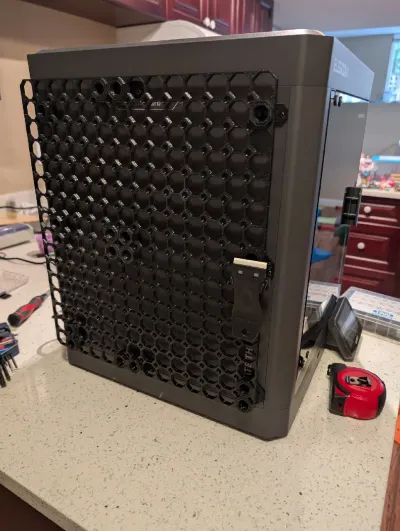
Use the alternative ECC Multiboard LEFT-side panel.3mf if you want to mount the multiboard on the LEFT side of your printer. Thanks to Hiro for the photo of his printer with the left-side panel.
What's included:
For the sake of users, I decided to include within the provided 3mf file all the components needed to print the project, ready to mount.
Here are the credits for the different provided parts:
- multiboard tiles were generated using Multiboard Simple Tile Generator
- the bottom right part was remixed by me to accomodate & fit the "SED3D screwcap" which holds the internal spool to the side panel
- Part A Dual Raised Snaps parts were remixed by me from the basic corresponding parts provided by Multiboard :
- Part B Dual Raised Snaps parts were used as provided by Multiboard (
This project may require longer m3 bolts than the ones you already have mounted on your ECC side panel, depending on the spacers you decided to mount. I personally have 10mm spacers, and I decided to use m3x20 bolts.
How to print:
just use the provided settings on your Elegoo Centauri Carbon.
No supports or brim needed
I personally printed in PLA
Change to a more resistant/durable filament (PETG) if you feel PLA is not enough for you
For esthetic reason, I advise to print on the Face A Textured PEI.
When printing the boards, I had some troubles with warping for the boards with prostruding triangles.
To prevent troubles, I was levelling before each print. To solve the "prostruding triangles" warping, I did a full "one-click self-check" just before the faulty impression (3 fails in a row)… and then it worked like a charm.
NOTE: For assembly of B snaps, square marks on face B need to face square marks on face A.
Square marks are not super easy to see on face B
But for the quad snaps & dual snaps, it does not matter. They will face each other by design.
But one should be careful for the 2 single snaps. I recommend you to identify on the slicer where is the mark, and then mark the spot with a marker on the piece before detaching them from the printing plate
How to assemble:
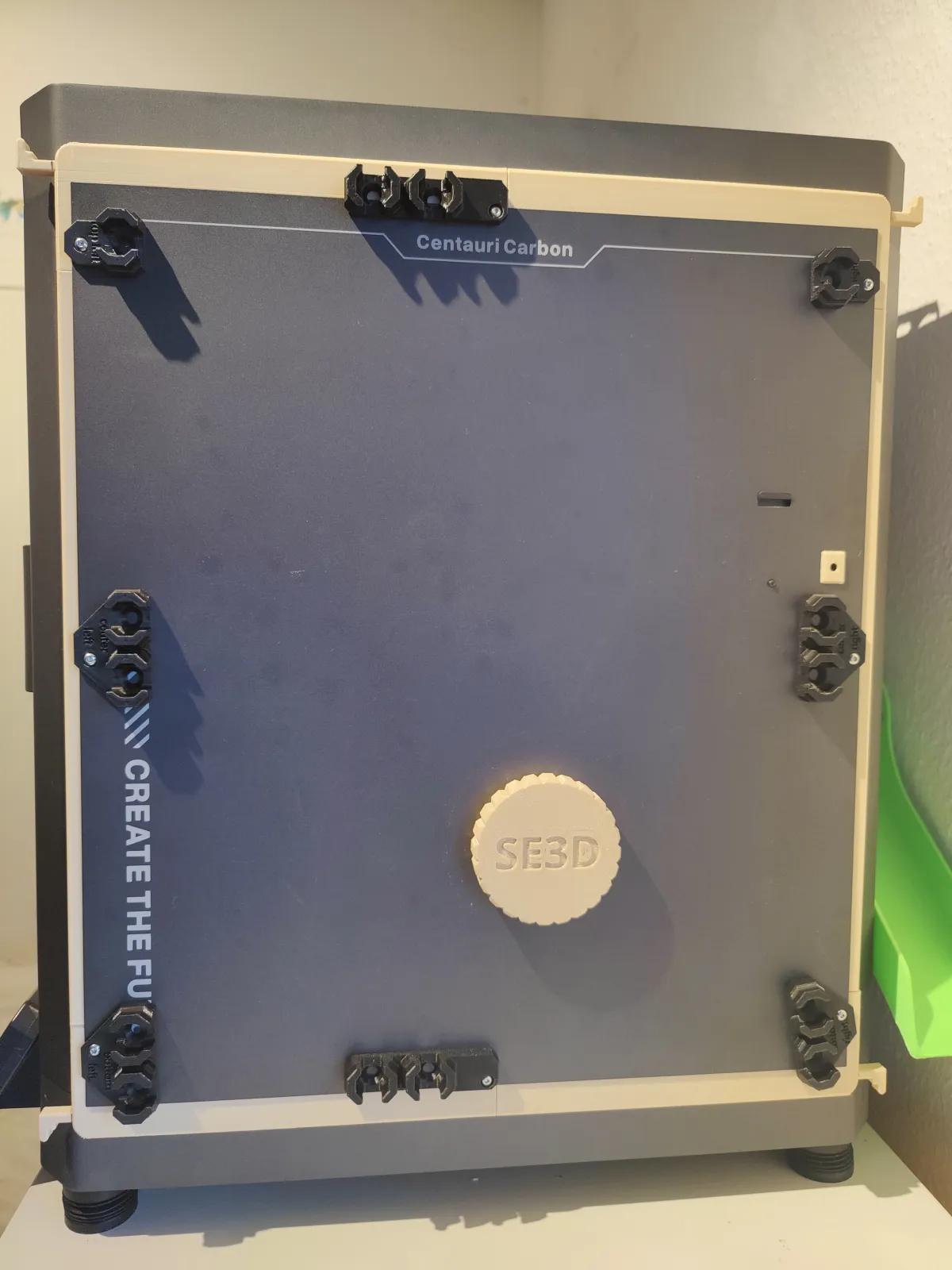
Unscrew the side panel m3 bolts one by one, and screw-in the corresponding modified Part A Dual Raised Snaps part
- you may have to use longer m3 bolts than the ones currently in place
- I wrote on each modified Part A Dual Raised Snaps part their corresponding position ("middle" goes for both “middle top” and “middle bottom”)
- look at the provided photos to see where and how the modified Part A Dual Raised Snaps are positionned
Solidarize the boards together thanks to the X-shaped Quad offset snaps
- see photos & / or any multiboard youtube video for help
- I chose to have the esthetic side of the board (the one facing the printing plate during printing) face the user. So this is the side that should have the Raised Quad Snap (DS Part B) on
Press the solidarized boards against the prepositionned Part A Dual Raised Snaps, using the "SED3D screwcap" as a reference. This screwcap should fit thightly with the board hole
Place the double Raised Part B snaps. Order & direction does not matter
- Place the 2 simple Raised Part B snaps. Direction does matter to maintain the threading.
For assembly of B snaps, square marks on face B need to face square marks on face A. Square marks are not super easy to see on face B so I recommend you to identify on the slicer where is the mark, and then mark the spot with a marker on the piece before detaching them from the printing plate.
For help on assembly, follow the instructions (square on square) from https://youtu.be/Oge0fgVxRHY
Alternatively, you can decide to place multiboard tiles of different sizes than the ones I found the more adequate to fit the ECC side panel dimensions.
- Use the Multiboard Simple Tile Generator to generate pannels that fit your needs better.
- You can then import the generated tiles into the provided 3mf file, and add a negative modifier in the slicer for generating a hole for the "SED3D screwcap" (take example on th eone provided, and be mindful that the tiles will be inverted when mounted on the printer side)
- Then those panels will be easily fitted to the mounted “modified Part A Dual Raised Snaps” provided in this project
How to use:
Then it's up to you to populate your printer side panel according to your needs
There are plenty of models proposed for all use cases, and multiboard also proposes a few Demo / Learning Packs to discover the multiboard universe.
For more info on multiboard: https://www.multiboard.io/
☕ Enjoying the design?
If you found this design helpful and would like to support my work, feel free to buy me a coffee!
Bill of materials
- NameQuantityNotes
- 1longer m3 bolts8
Originality of the Model
The author declares that this work is their personally original model
This model is licensed under the following terms:
Credit must be given to the creator
Only noncommercial uses of the work are permitted
Remixes must be shared under the same license
Models(3)
 ECC Multiboard LEFT-side panel.3mfDesigner
44.06 MB

2026-01-06
- ECC Multiboard RIGHT-side panel.3mfDesigner
44.16 MB
2026-01-06
- ECC Multiboard side panel.3mfDesigner
44.16 MB
2025-11-17
View all(3)


