


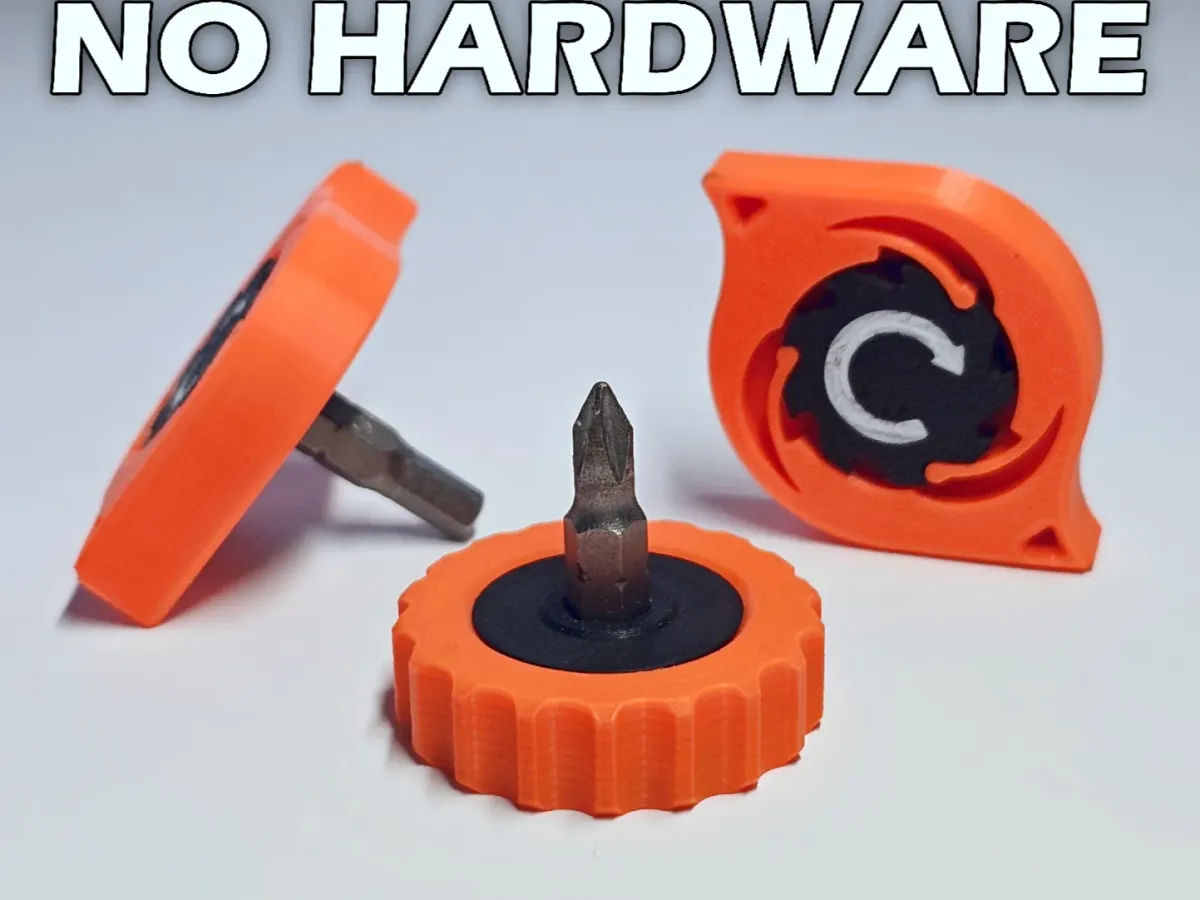


ratchet
driver
mini
edc
pip
printinplace
hex
bit
screw
screwdriver
quarter
inch
torque
wrench

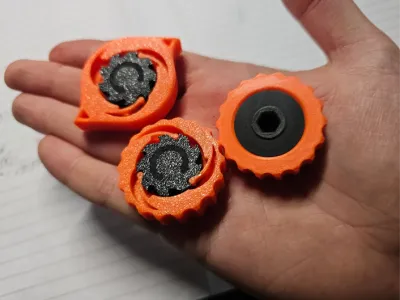 Set of 4, 0.2mm layer, 6 walls, 30% infill
1-disc
PETG
Designer

125

34
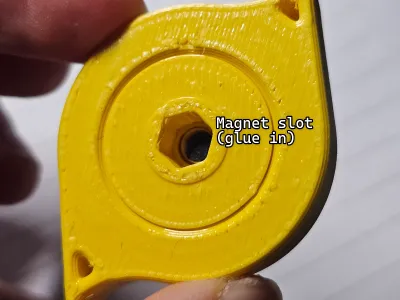
Optional Magnet: (5mm diameter, 2mm depth)


Print Tips:
- Print with PETG (Tested to work nicely)
- The files are provided in the “wrong” orientation. Make sure to flip the model upside down in your slicer
- A small amount of WD-40 makes the ratchet sound and feel a lot nicer (much less dry)
- Best results with a smaller nozzle (0.2mm if possible)
- Either use AMS for colored print, or set the first layer to be a different color
- Check that your slicer hasn't fused your ratchets to the gear. If it has, try splitting into parts/objects

(If printing on a low-end printer, scale up the outer ratchet by around 1-3% (only X,Y) in the slicer. Don't scale over 5%. Mid-range printers should be able to print this as is.) Keep in mind that scaling adds slop to the mechanism.
Troubleshooting:

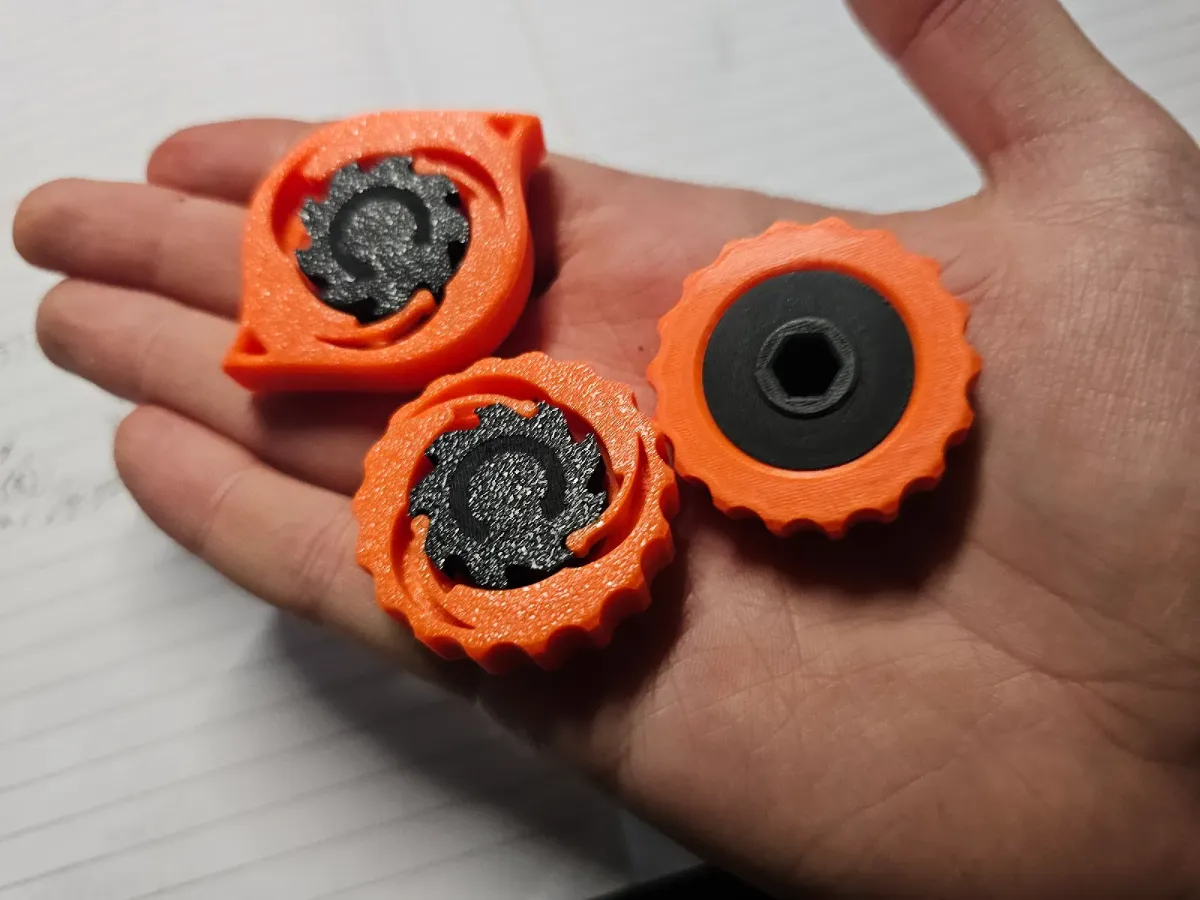
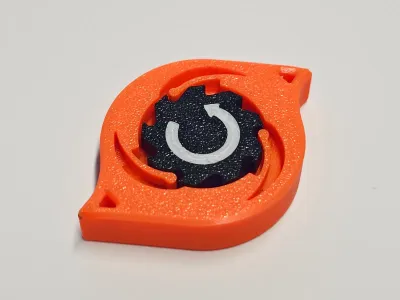
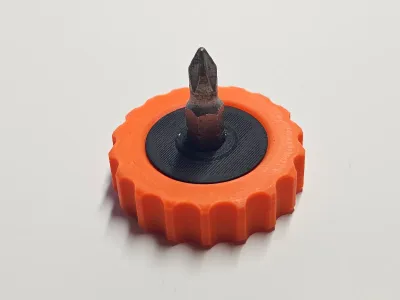
This is a part that i printed on my ender 3.
Parts stuck together:
Use a blade to separate the ratchets

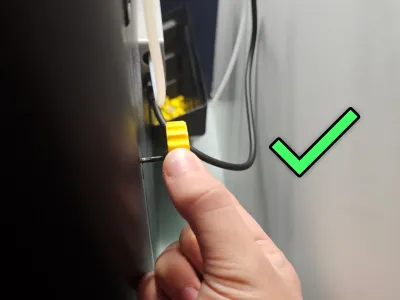
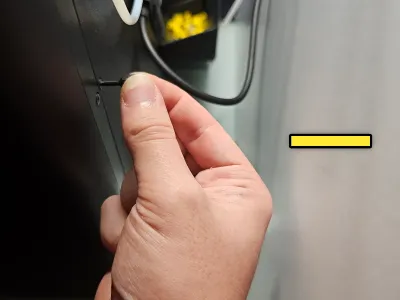
Press on the center until the part clicks

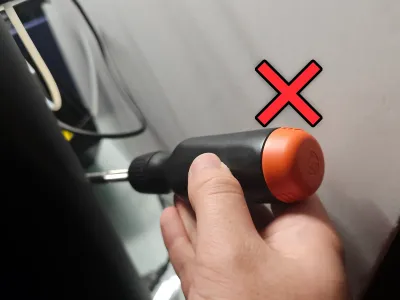
Insert an extension shaft into the hex slot, and rotate the part several dozen times until the ratcheting is smooth and consistent.

Cranking the driver too hard will cause the ratchets to buckle. This shouldn't be an issue with general use, however your milage may vary based on what PETG you use, along with print settings.
I used both Prusament petg and Bambu petg. Both seem to hold up well.
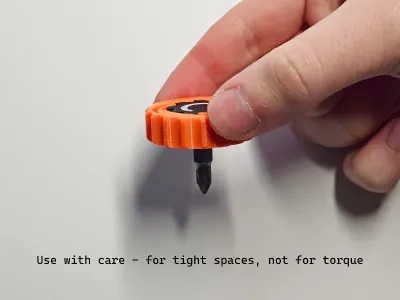
(Use the tool with 2 fingers, as using your entire arm for torque will cause it to break)

PRINT IN THE PROVIDED ORIENTATION:


Bill of materials
- NameQuantityNotes
- 1Magnet (D:5mm, H:2mm)1Optional
Originality of the Model
The author declares that this work is their personally original model
This model is licensed under the following terms:
Credit must be given to the creator
Models(2)
 PIP Set of 4(2).stlDesigner
3.59 MB

2025-06-21
- PIP Ratched Drivers set of 4.3mfDesigner
888.58 KB
2025-06-26


